How to Print Shipping Labels on Marktplaats: The 2026 Reseller Guide
To print shipping labels on Marktplaats, open your chat thread with the buyer after they pay via Direct Kopen or a payment request. Click "Download label" under the shipping status to generate a PDF, then print it on standard A4 paper or a thermal label printer. Alternatively, show the digital barcode directly at your local service point.
Key takeaways
- Marktplaats lets you print physical PDF labels or use in-store digital QR and barcodes via PostNL and DHL
- Labels generated through the Marktplaats messaging platform link tracking codes to the buyer automatically
- Purchasing labels inside the app protects both parties under platform buyer protection policies
- Digital shipping codes expire if not scanned at the drop-off counter within standard courier windows
- Thermal printers eliminate cutting tape but regular A4 paper taped over plain paper works fine if barcodes remain flat
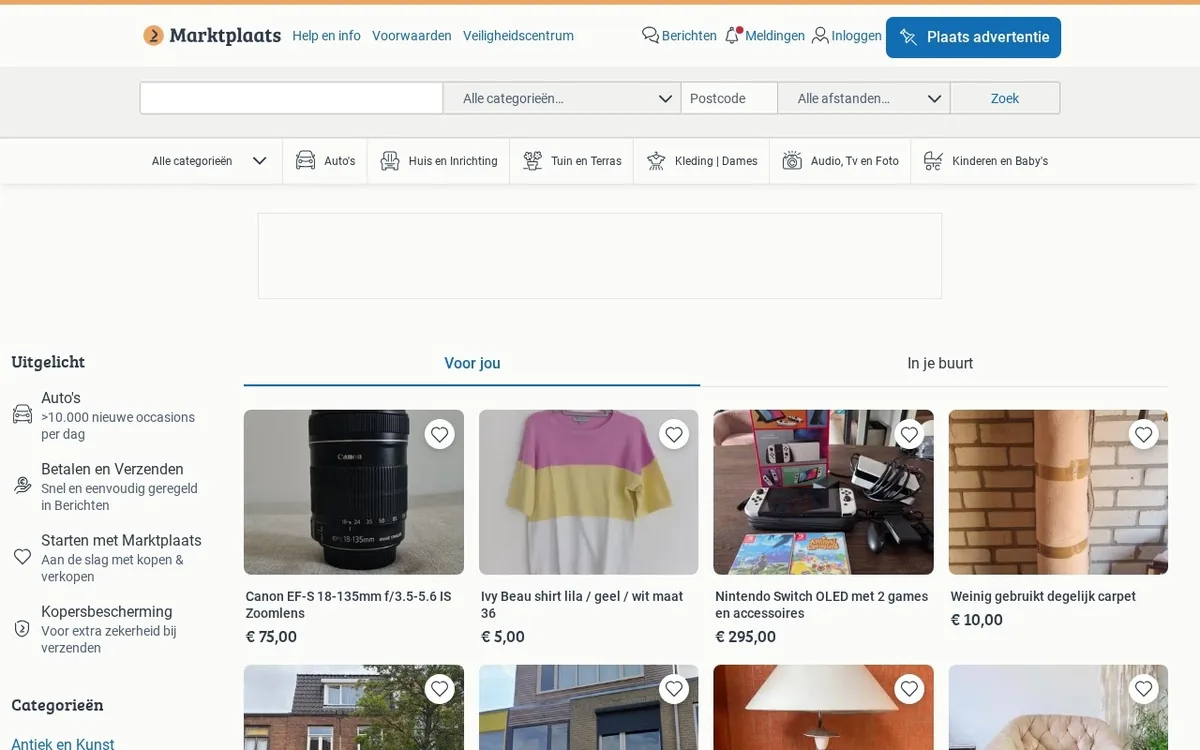
Printing your own labels turns a chaotic reselling side hustle into a fast, professional workflow. When you sell an item on the Dutch marketplace, the platform coordinates delivery through integrated domestic couriers. You do not need to stand in line at a post office counter writing out physical address slips by hand. Everything happens inside your transaction chat window.
How Do You Generate a Shipping Label on Marktplaats?
Generating a prepaid postage label requires an integrated transaction. You cannot generate a platform label if the buyer transfers money straight to your private IBAN outside the platform. The buyer must pay through a standard payment request (Betaalverzoek) or use the Direct Kopen feature.
Once the payment clears, Marktplaats updates the conversation thread. Here is the exact sequence to retrieve your document:
- Log in to your account on desktop or open the mobile app.
- Navigate to your inbox (Berichten) and select the conversation with the buyer.
- Locate the transaction banner at the top of the chat. The status will display as paid.
- Click on the blue button labeled Verzendlabel downloaden (Download shipping label).
- The platform outputs a PDF file formatted with the recipient's chosen address or pickup point.
- Save the PDF to your device or send it directly to your printer queue.
If you run a multi-channel inventory setup and also sell across the border, review our guide on how to ship a parcel via 2dehands to handle Belgian orders with equal speed.
Can You Ship on Marktplaats Without a Printer?
Yes. You do not actually own a physical printer to fulfill your sales. Both integrated couriers—PostNL and DHL eCommerce—support paperless drops through smartphone barcodes.
When you click to view your label inside the Marktplaats app, the system displays both a printable PDF link and an on-screen barcode or QR code. Take your securely packed box to an official parcel shop or locker terminal. Hand your mobile screen to the shop assistant or scan it at the automated locker interface. The scanner reads your screen, the retail printer spits out the self-adhesive routing sticker, and the clerk places it on your parcel. Always keep the digital drop-off receipt they email you or hand you on paper; it is your sole proof of handover if a package goes missing.
What Are the Integrated Shipping Carriers and Reseller Rates in 2026?
Marktplaats integrates primarily with PostNL and DHL eCommerce for automated parcel routing. For oversized furniture or heavy appliances, the platform routes deliveries through Brenger, though that uses local courier vans rather than printable parcel labels. Choosing between PostNL and DHL depends on whether your buyer prioritizes speed, home delivery, or lower costs.
| Carrier | Delivery Type | Package Size / Weight Limit | Estimated Cost (Paid by Buyer) | Tracking Included? |
|---|---|---|---|---|
| DHL eCommerce | ServicePoint Delivery | Up to 10 kg (max 80 x 50 x 35 cm) | €4.95 – €5.45 | Yes |
| DHL eCommerce | Home Delivery | Up to 10 kg (max 80 x 50 x 35 cm) | €5.95 – €6.45 | Yes |
| PostNL | PostNL Point Pickup | Up to 10 kg (max 100 x 50 x 50 cm) | €6.45 – €6.95 | Yes |
| PostNL | Home Delivery | Up to 10 kg (max 100 x 50 x 50 cm) | €6.95 – €7.25 | Yes |
| PostNL | Letterbox Parcel (Brievenbuspakje) | Up to 2 kg (max 38 x 26.5 x 3.2 cm) | €4.15 – €4.35 | Yes |
Always double-check dimensions before printing. If you print a letterbox parcel label for an item that bulges over 3.2 centimeters thick, sorting machines will reject it. The carrier will route it through manual handling and hit your account with a surcharge or delay the package indefinitely.
How Do You Print the Label Correctly on A4 Paper vs a Thermal Printer?
Getting your document out of the digital world and onto cardboard causes unexpected headaches for beginners. Scanners at sorting depots read variations in black and white line contrast. A blurry or distorted barcode halts your parcel.
Printing on Standard A4 Copy Paper
Most casual sellers use standard desktop inkjet or laser printers. Standard A4 sheets contain far more space than the label requires:
- Open the PDF in your browser or a standalone PDF reader.
- Ensure your print scaling is set to 100% or Actual Size. Do not use "Fit to Printable Area", which often warps the precise barcode dimensions.
- Cut the excess paper away using scissors or a paper trimmer.
- Attach the label securely to the largest flat surface of your shipping box.
- Cover the paper with transparent packing tape to shield it from rain. Reseller warning: Do not layer cheap, highly reflective tape heavily over the barcode. Heavy gloss causes infrared scanning guns to reflect light back into the sensor, failing the scan. Smooth tape cleanly across the edges instead.
Printing with a Dedicated Thermal Label Printer
If you process dozens of parcels weekly, buy a dedicated thermal printer like a Rollo, Munbyn, or Dymo 4XL. These machines use heat instead of ink and print on peel-and-stick 4x6 inch (100x150 mm) labels. Because Marktplaats outputs labels formatted within standard A4 PDF documents, you may need to take a quick screenshot ("snapshot tool") of the shipping square inside Acrobat Reader, or change your print settings to crop to the 4x6 label size. Thermal labels save hours of manual cutting, never smudge when wet, and adhere instantly.
- ✓check the conversation header to confirm the payment has cleared
- ✓measure and weigh the packed box to verify the dimensions
- ✓download the shipping label pdf from the transaction banner
- ✓print the document at actual size without scaling adjustments
- ✓attach the label flat on the box without covering the barcode
- ✓drop off the parcel at an official postal service point
What Are the Step-by-Step Obligations for Sellers After Payment?
Once a deal closes, responsibilities shift onto your shoulders. Understanding the exact workflow keeps your seller rating clean and protects your payouts under platform rules. For specific platform regulations and disputes, you can always consult official Marktplaats Help & Info pages.
- Check the Payment Confirmation: Never ship an item based on a screenshot sent by the buyer in the chat. The conversation header must explicitly change to indicate payment has been processed through Online Betalen.
- Verify Dimensions and Weight: Pack the product securely with bubble wrap, kraft paper, or air pillows. Measure your final box. Confirm it does not exceed the weight or volume tier selected during checkout.
- Download and Affix the Label: Generate the label using the method detailed above. Ensure the label is attached flat, without folds running over carton seams.
- Drop Off within 3 Business Days: Carriers require prompt handovers. If you generate a label but fail to drop it off at a parcel point within several days, the tracking status remains stagnant. This risks cancellation by the buyer.
- Monitor Tracking Progress: Marktplaats automatically syncs the Track & Trace code into the chat. You do not need to copy and paste tracking numbers manually. Once the carrier processes the initial intake scan, the chat status changes to "Item Shipped" (Verzonden).
- Funds Release: If the buyer purchases with buyer protection, the funds are held securely until the package shows as delivered or the inspection window lapses. Familiarize yourself with how Marktplaats Buyer Protection works for resellers so you know exactly when payouts hit your bank account.
How Do You Handle Common Marktplaats Shipping Errors?
Even seasoned merchants run into operational glitches. Knowing how to troubleshoot these problems prevents lost stock and unhappy customers.
The Label Button Does Not Appear
If you see a payment message but no download button, the buyer selected "Ophalen" (Local Pickup) instead of delivery when completing their transaction. In this scenario, Marktplaats will not generate a shipping label. You must either arrange a physical collection meetup or cancel the transaction and send a fresh payment request specifying carrier shipping.
The Buyer Gave the Wrong Delivery Address
Integrated shipping labels generate using the address the buyer has saved in their Marktplaats profile. Once generated, you cannot edit the text on the PDF. Do not draw lines through the printed address with a pen to write a new one; the embedded digital routing barcode will still send the parcel to the original destination. If the address is incorrect, you must void the transaction or arrange private postage outside the platform and supply manual tracking.
Managing Cross-Border Inquiries
Marktplaats operates predominantly in the Netherlands. If Belgian buyers want to purchase your goods, standard integrated shipping options often run into issues unless configured properly. Many professional merchants bypass this by expanding their regional listings. Check out our detailed tutorial on Marktplaats to 2dehands cross-listing to let Belgian buyers use their native delivery channels without friction.
Scaling Your Sales Across Multiple Marketplaces
Printing labels one by one on a single platform is simple. However, running a profitable second-hand trade usually requires selling on multiple apps at once. Cross-listing items manually across three or four websites takes enormous amounts of time and invites double-selling errors.
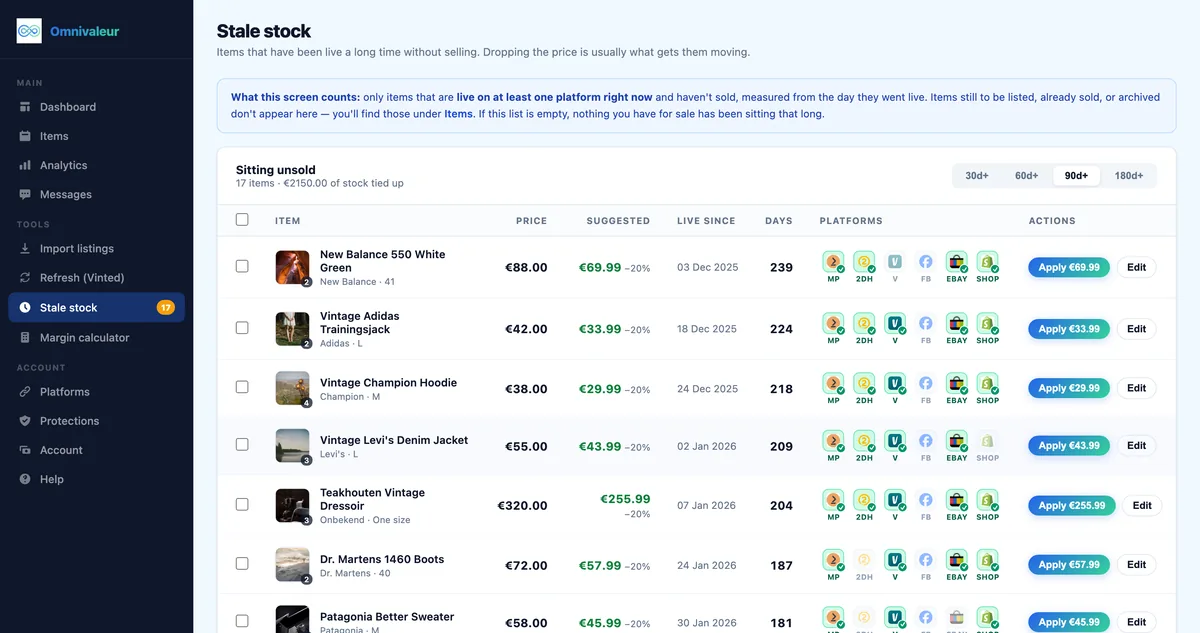
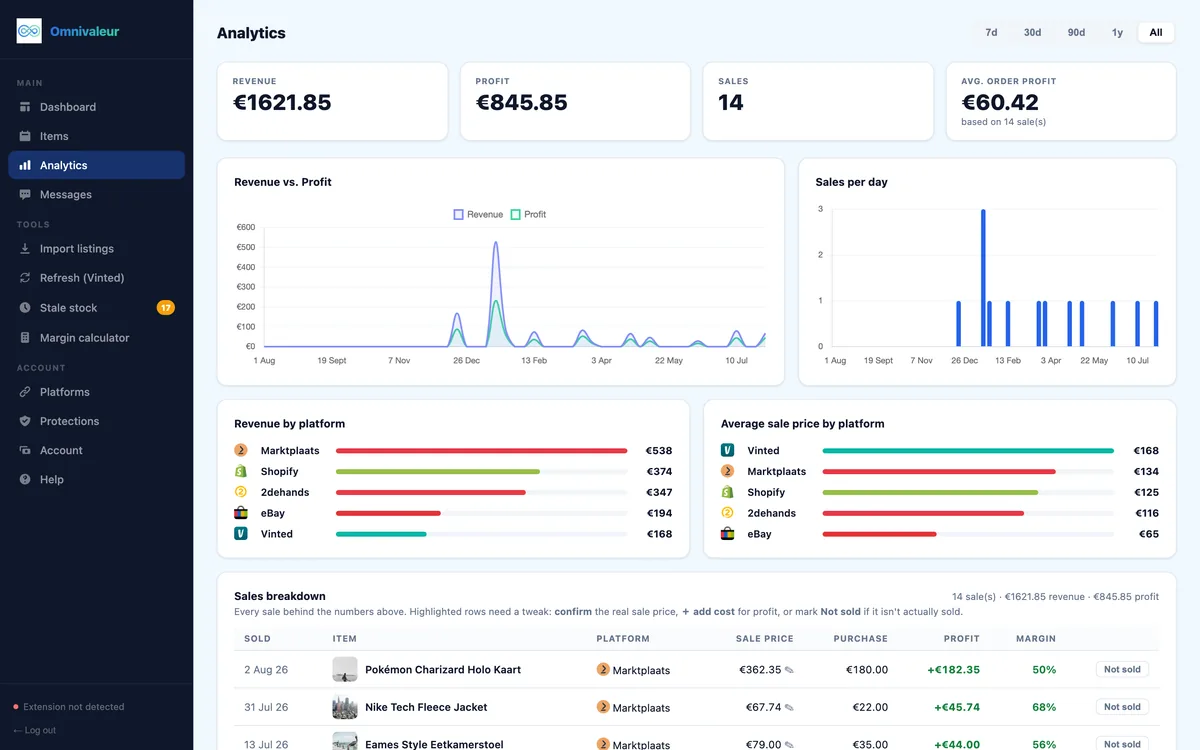
When you expand, efficiency is everything. Omnivaleur publishes to seven channels from one intake form: Marktplaats, 2dehands, Vinted, eBay, Shopify, WooCommerce and Facebook Marketplace (beta). Using specialized tooling keeps your business organized, leaving you more time to source inventory, pack parcels, and print labels. Keep in mind that safe automation matters: cross-listing in Omnivaleur runs one browser tab at a time on purpose: parallel publishing is what gets marketplace accounts rate-limited. If you sell vintage or everyday apparel alongside hard goods, see our walkthrough on Marktplaats to Vinted cross-listing to capture higher margins across Europe.
What Are the Legal and Tax Implications for Regular Shippers?
If you are shipping dozens of parcels every month, European tax authorities take note. Under the European Union's DAC7 directive, online marketplaces must report data on sellers who exceed specific annual thresholds. Under official European Commission DAC7 regulations and the guidelines outlined by the Dutch tax office via the Belastingdienst DAC7 portal, platforms must report any seller who completes 30 or more transactions or exceeds €2,000 in gross sales within a calendar year.
Hitting these numbers does not automatically make your earnings taxable income if you are simply clearing out personal belongings at a loss. However, if you systematically purchase goods to resell them for profit, you must comply with commercial registration. Read our breakdown on when reselling becomes a business under KVK rules to ensure your operations remain completely compliant. Furthermore, understand how statutory buyer guarantees operate under EU consumer shopping rights if you transition from an individual hobby seller into a registered commercial merchant.
Keep reading
Stop copying listings by hand
Omnivaleur publishes your item to every platform at once and syncs stock automatically when something sells.
Start free trial