To cancel a Vinted order, open the conversation screen for the transaction, tap the details icon (an "i" or three dots) in the top-right corner, select "Cancel order", and choose a reason. Selecting "Agreed with buyer" prevents Vinted from publishing automatic one-star feedback on your profile. The buyer receives a full refund.
Key takeaways
- Both buyers and sellers can cancel an order as long as the shipping label has not been scanned by the courier.
- Sellers must choose "Agreed with buyer" to prevent Vinted's automated system from issuing a default 1-star review.
- Buyers receive a 100% refund, including the Buyer Protection fee and shipping costs, returned to their original payment method.
- Vinted automatically cancels an order if the seller does not ship the item within 5 business days of the sale.
Every reseller on Vinted eventually faces a transaction that needs to be called off. A buyer changes their mind ten minutes after paying, you notice a hidden tear on a vintage coat while packing, or an item sells simultaneously on two different platforms. Handling this cleanly makes the difference between keeping a spotless five-star reputation and collecting a trail of damaging one-star automated reviews.
The cancellation flow looks simple on the surface, but the platform imposes hidden penalties if you click the wrong options. In 2026, Vinted's algorithms track seller cancellations more strictly than ever. Here is the exact process to cancel transactions safely, protect your seller metrics, handle multi-channel inventory conflicts, and manage refunds smoothly.
How do you cancel a Vinted order step-by-step?
You can cancel an order directly from the transaction chat on both the mobile app (iOS and Android) and the desktop web browser. Follow these steps:
- Open the transaction chat: Navigate to your inbox and select the conversation thread with the buyer who purchased the item.
- Access the transaction menu: Tap the "i" (information) icon in the top-right corner on mobile, or click the three dots icon on desktop.
- Select "Cancel order": Scroll to the bottom of the options list and click Cancel order. If this button is greyed out or missing, the parcel has already been scanned into the carrier's network.
- Select the cancellation reason: A pop-up menu will present several standard options. Select the reason that accurately matches the situation. If you are cancelling on behalf of the buyer or by mutual consent, select "Agreed with buyer" (or type a custom reason under "Other").
- Confirm the cancellation: Tap the confirmation button. The transaction will close instantly, the buyer's refund will initiate, and the chat thread will display an automated status update confirming the order was cancelled.
Once cancelled, the item does not automatically go back live in your wardrobe as an active listing. Instead, Vinted displays a "Re-upload" or "Relist" button directly in the chat thread. Tapping this restores the original listing without forcing you to re-type descriptions or upload photos again.
Why does selecting the right cancellation reason matter?
Vinted enforces an automated review penalty system. If you cancel an order as a seller and select a reason that indicates seller fault (such as "Item is damaged" or "Item is out of stock"), the system automatically publishes an official 1-star review on your profile stating: "Automated message: Sale cancelled by the seller."
Multiple automated one-star reviews destroy buyer trust and lower your listings in algorithmic search results. However, Vinted bypasses this penalty under specific conditions:
- Agreed with buyer: When you select this option, Vinted treats the cancellation as mutual. Neither party receives negative automated feedback. Always message your buyer first: "Hi, I noticed an issue with this item / I saw your request to cancel. I will cancel our transaction now under 'Agreed with buyer' so neither of us receives a negative review."
- Buyer cancels on their end: If the buyer initiates the cancellation through their own app interface and selects "Agreed with seller", nobody receives bad feedback.
- First-time cancellation leniency: Vinted occasionally waives the automated one-star review for an account's very first cancellation. You should never rely on this safety net, as it disappears permanently after your first incident.
Review the official Vinted Help Centre for regular updates on platform-level dispute guidelines. Keeping your cancellation rate low is also vital if you want to maintain strong sales volume across the platform.
Can you cancel an order after generating or scanning the shipping label?
There is a massive difference between generating a shipping label and having it scanned by a courier like PostNL, DPD, Mondial Relay, or DHL.
When you click "Get shipping label" in the chat, Vinted assigns tracking details and creates a PDF or digital barcode. At this stage, the order can still be cancelled directly through the app menu. If the buyer requests a cancellation after you printed the label but before you handed it over to a service point, you can still cancel safely. The generated label becomes void immediately, and the carrier will reject it if scanned later.
However, the moment the drop-off clerk or automated parcel locker scans the parcel barcode, the status in Vinted changes to "Shipped". At that point, the "Cancel order" button disappears entirely for both you and the buyer.
If a buyer demands a cancellation after the parcel is scanned:
- Explain that the parcel is already within the courier network and cannot be intercepted.
- Inform the buyer that they can refuse the package upon delivery or let the parcel locker holding period expire. Couriers return uncollected packages to the sender after 5 to 14 days (depending on the service).
- Once the returned package arrives back at your address and the tracking marks it returned, Vinted releases the refund to the buyer automatically.
For independent private sales, standard return rules differ depending on local consumer legislation. You can read more about consumer rights on the official Your Europe consumer shopping guide, or consult our breakdown of return rights on second-hand sales in the Netherlands.
What happens to buyer refunds and seller payouts?
When an order is successfully cancelled, the funds held in escrow do not reach the seller's balance. The buyer receives a full refund of their payment, including the item price, the shipping postage fee, and Vinted's mandatory Buyer Protection fee (typically 5% of the item price plus a fixed €0.70 fee).
Refund timelines vary depending on the payment method used at checkout:
| Payment Method Used | Refund Processing Time | Where the Funds Land |
|---|---|---|
| Vinted Balance | Instant (within minutes) | Vinted Wallet |
| iDEAL / Bancontact | 1 to 3 business days | Original Bank Account |
| Credit / Debit Card | 2 to 5 business days | Card Statement |
| Apple Pay / Google Pay | 1 to 4 business days | Linked Card Account |
As a seller, no funds are deducted from your existing Vinted Balance when an order is cancelled. Because Vinted holds buyer funds in escrow via payment processors like Mangopay or Adyen until delivery is completed and signed off, the platform simply reverses the escrow authorization.
- ✓Message the buyer first to explain why the order cannot go through
- ✓Open the transaction chat and tap the information icon in the corner
- ✓Select cancel order from the bottom of the options list
- ✓Choose agreed with buyer as the reason to prevent a one-star review
- ✓Tap the relist button in the chat if you need to put the item back online
What causes automatic cancellations on Vinted?
You do not always have to press the cancel button yourself for a sale to fall through. Vinted's backend triggers automatic cancellations under three common scenarios:
1. Failure to ship within 5 business days
From the moment a buyer pays, you have 5 business days to get the parcel scanned by the selected shipping courier. Business days exclude weekends (Saturday and Sunday) and national public holidays in your registered country.
If day five passes and the carrier tracking has not registered an initial drop-off scan, Vinted automatically cancels the order, initiates a full buyer refund, and leaves an automatic 1-star review on your profile. If an unexpected emergency or holiday prevents you from shipping, turn on Vinted Holiday Mode to hide your wardrobe before sales occur.
2. The buyer fails to collect the parcel
If you use pick-up point delivery options such as Mondial Relay, DPD Pickup, Homerr, or PostNL service points, buyers typically have between 7 and 14 calendar days to pick up their parcel. If the buyer never collects it, the courier routes the parcel back to you. When the carrier confirms the return, Vinted cancels the completed transaction state and refunds the buyer's item price.
3. Failure to download the digital shipping label
For custom shipping configurations or carriers requiring manual label generation, Vinted requires sellers to download the shipping label within a strict timeframe (usually 4 to 5 business days). Failing to download the label tells the algorithm that the seller is inactive, prompting an automated transaction void.
Learn more about standard fulfilment expectations directly on the Vinted Selling Rules Help Page.
How should cross-listing resellers handle accidental double sales?
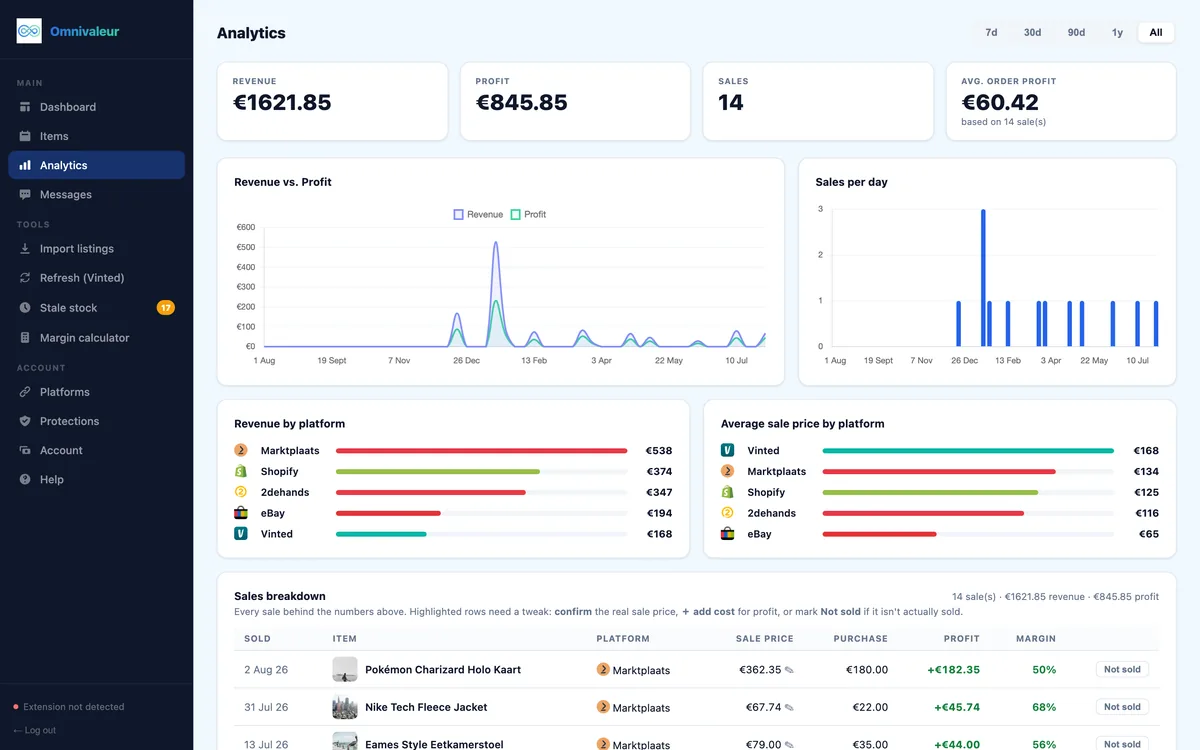
Professional European resellers do not rely on Vinted alone. Many list their inventory across Marktplaats, 2dehands, eBay, and Shopify to maximize exposure. But selling across channels introduces the risk of the double sale: an item sells on Marktplaats at 14:00 and on Vinted at 14:30 before you have had time to manually delist it.
When this happens on Vinted, you must cancel the order. To do this without ruining your Vinted metrics:
- Do not ignore the order: Letting the 5-day timer expire is the worst option. You will get an automatic 1-star review and your account will receive an algorithmic shadowban.
- Message the buyer courteously: Be honest. Write: "Hello! I am deeply sorry, but during quality inspection before packing, I noticed a defect on this item that makes it unfit to ship. I don't want to send you something that doesn't match the listing description. I will cancel the transaction now so you receive an instant refund."
- Select "Agreed with buyer": Use this cancellation reason. The buyer understands why they are getting their money back, and you avoid the 1-star automated strike.
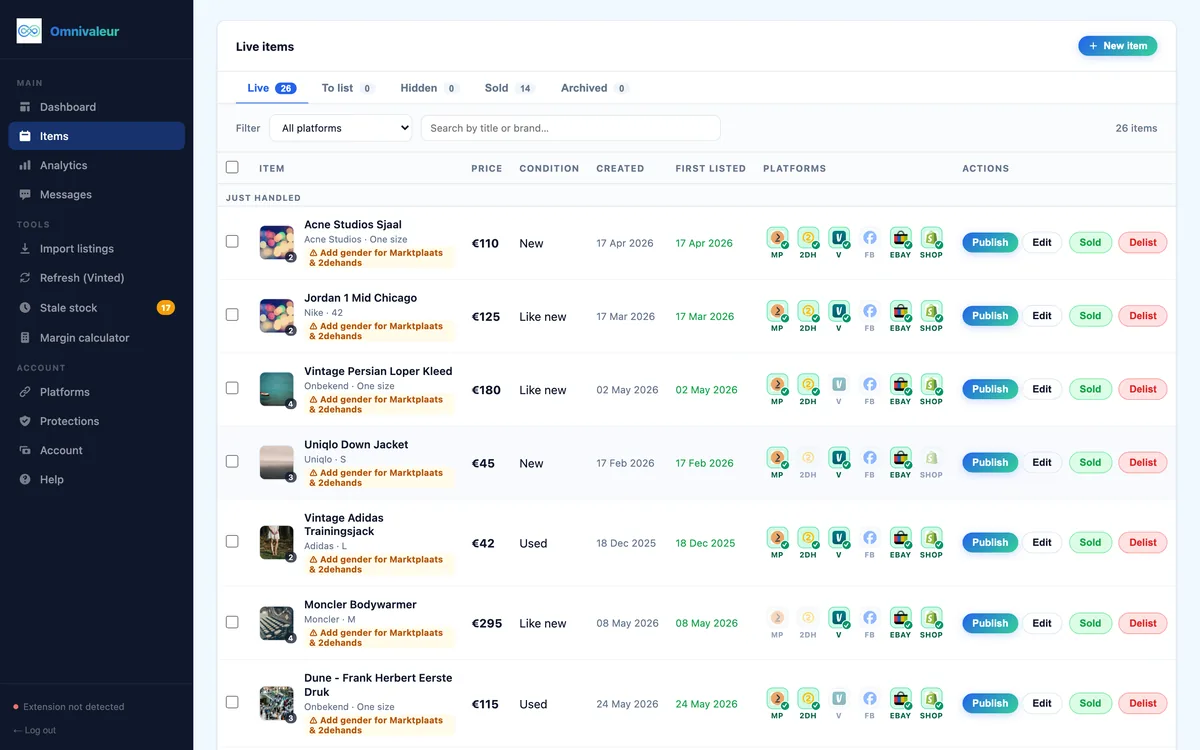
If you manage dozens or hundreds of items, manual stock management across platforms becomes impossible. A single item in Omnivaleur typically carries 3-5 active listings at once; the app tracks each platform's status separately. When an item sells on Marktplaats, it is marked as sold or delisted across your other linked channels, helping you avoid selling the same item twice. If you regularly bridge European platforms, explore our complete guide to Vinted to Marktplaats cross-listing.
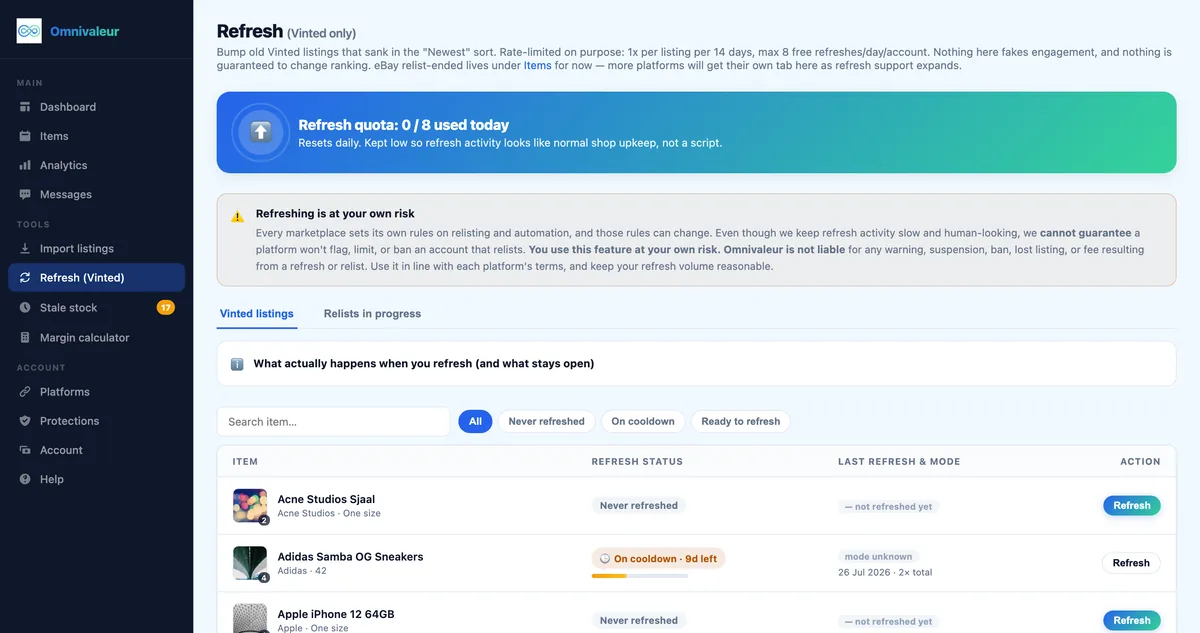
Similarly, be cautious with automated account activities. Omnivaleur's Vinted refresh tool caps itself at 8 free refreshes per day and states outright that no tool can guarantee a marketplace won't flag an account. Staying within safe operational limits protects your account longevity far better than uncontrolled automation scripts.
Does a cancelled order count toward DAC7 limits?
Under European Union tax transparency rules (Directive on Administrative Cooperation - DAC7), digital platforms operating in EU member states must collect and report seller transaction data to national tax authorities once a seller hits specific thresholds:
- 30 or more completed sales within a calendar year, OR
- €2,000 or more in total gross proceeds from sales within a calendar year.
A frequent question among European sellers is whether a cancelled order adds to these totals. Cancelled orders do not count toward your final DAC7 threshold. Because the transaction was voided and the funds returned to the buyer, no taxable economic activity took place. Neither the item count nor the cancelled monetary amount is included in the net financial figures Vinted reports to authorities such as the Dutch Belastingdienst or Belgian SPF Finances.
You can verify administrative tax reporting rules via the European Commission DAC7 Portal or review guidance from the Belastingdienst on DAC7 reporting for online sellers. For an in-depth operational breakdown, read our guide on Vinted DAC7 rules in the Netherlands.
Keep your transaction records tidy. If your account undergoes an audit, download your yearly Vinted transaction history CSV from your account settings. This file clearly distinguishes between "Completed" sales and "Cancelled" orders, ensuring your tax declarations match your true net earnings.
Frequently asked questions
Can a buyer leave a manual review after an order is cancelled?
What happens if a buyer requests a cancellation after I already posted the item?
Can you cancel just one item from a purchased bundle on Vinted?
Will cancelling too many orders get my Vinted account suspended?
Keep reading

Stop copying listings by hand
Omnivaleur publishes your item to every platform at once and syncs stock automatically when something sells.
Start free trial