How to Set Holiday Mode on Vinted: Full 2026 Seller Guide
Open the Vinted app, go to your profile, tap Settings, then Vacation mode, and switch it on. This hides every active listing from search and buyers instantly, without deleting anything. Turn it off the same way and your closet reappears exactly as you left it, ready to sell again.
Key takeaways
- Vinted's holiday mode hides your whole closet with one toggle, no time limit, but visibility rebuilds gradually after you switch back on.
- Pending offers and unshipped sales still need action — holiday mode does not cancel or pause orders already in progress.
- Hiding individual items manually works better if you only want to pause part of your inventory.
- Your sales history, ratings, and tax records stay untouched; only the public listing visibility changes.
- Resellers who cross-list across platforms should check Marktplaats and Vinted status separately — one break toggle does not sync both.
Vinted calls the feature Vacation mode inside the app, but most sellers search for it as "holiday mode," and it does exactly what the name suggests. It is a single switch that pulls every active listing out of search results and buyer feeds without deleting a single photo, description, or price. Here is the exact path, the catches resellers run into, and what nobody mentions about what happens to your account while you are sunning yourself in Portugal.
How Do You Turn On Vinted Holiday Mode in 2026?
The toggle lives in your account settings, not on individual listings, so you cannot activate it item by item from the main feed. On the app: tap your profile photo, open Settings, scroll to Vacation mode (sometimes labelled "Away mode" depending on your region's app version), and flip it on. On desktop the path is similar but buried one layer deeper, under Account settings → Privacy.
Once it is on, a small banner appears on your profile telling visitors you are temporarily away. New buyers cannot send purchase offers, your listings stop showing in search and category browsing, and any bump or boost credits you had scheduled simply pause instead of burning down. This is confirmed directly in Vinted's own selling help section, which is worth bookmarking because Vinted updates small behavioural details like this every year without much fanfare.
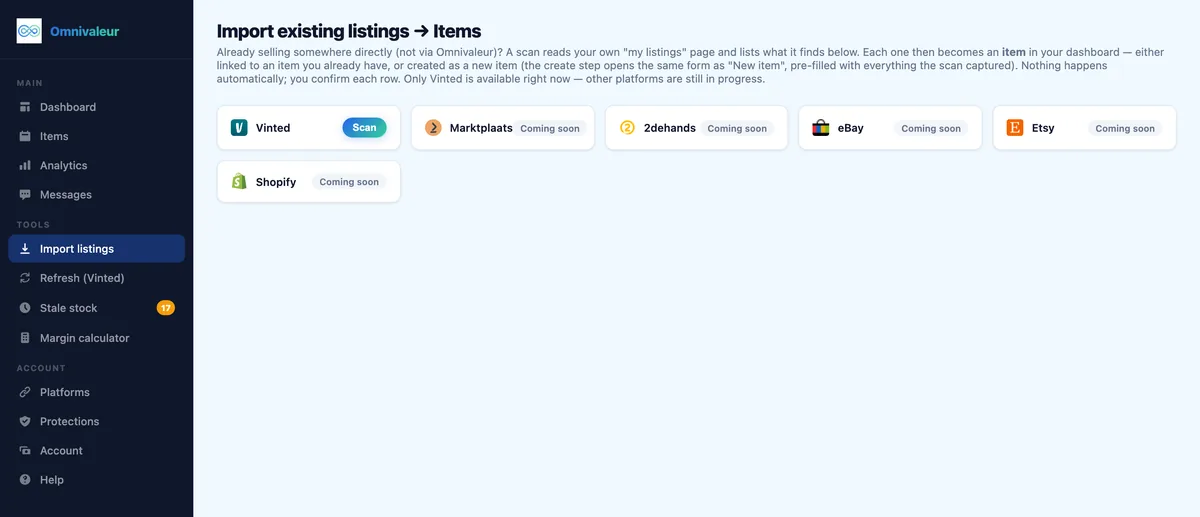
If you run the same closet on Marktplaats, 2dehands, or eBay alongside Vinted, remember this toggle is Vinted-only. It does not pause or hide anything on the other marketplaces. If you cross-list manually, you will need to repeat the same "pause" action on each platform separately, which is one of the more tedious parts of running stock across five or six channels at once.
- ✓Ship or confirm every pending sale so parcels do not sit unshipped while you are away
- ✓Reply to open offers and questions from buyers mid-negotiation
- ✓Check your stale-stock and either drop prices or pull old items entirely
- ✓Note your current bump and boost credits so you know what carries over
- ✓Verify any in-transit parcels are printed and dropped off before you leave
How Long Can You Keep Holiday Mode Active Before It Affects Your Account?
There is no hard cap published anywhere in Vinted's policy, and in 2026 the app still does not auto-cancel vacation mode after a fixed number of days the way some marketplaces do. Sellers have reported leaving it on for three weeks, six weeks, even a full two months with no penalty, warning, or forced reactivation. The practical limit is not a rule, it is momentum: the longer your closet sits invisible, the more the algorithm treats you as a dormant seller once you come back.
That matters more than any written policy. Vinted's ranking signals reward recent activity: new listings, recent bumps, quick replies, recent sales. A closet that goes dark for two months loses all of that recency weighting overnight. So while nothing stops you technically from a long break, a short, deliberate pause beats an open-ended one if sales volume matters to you.
A practical rule many resellers use: if the break is under two weeks, holiday mode alone is fine. Past three or four weeks, plan to relist your three or four best sellers fresh the day you return, rather than just switching the toggle off and waiting.
Will Your Listings Automatically Reappear When You Turn Holiday Mode Off?
Yes, instantly and automatically. Every listing that was active before you left comes back exactly as it was: same price, same photos, same description, same number of likes and saved counts. Nothing gets deleted, re-uploaded, or reset. This is the main practical difference between holiday mode and actually removing your listings, and it is the reason most sellers prefer it over deleting items before a trip.
What does not come back automatically is your search position. Listings re-enter the feed at whatever rank the algorithm assigns based on current activity, not where they sat before you left. A jumper that was on page one of its category before your break might land on page three the day you switch vacation mode off, simply because dozens of other sellers kept listing and bumping while you were away. This is the part competitor guides gloss over: turning holiday mode off is not the same as "resuming where you left off."
Recovering that lost position is manageable, but it takes a few deliberate actions in the first 48 hours back, covered further down.
Does Pausing Sales Mess With Your Sales Data or Inventory Records?
No, your transaction history, ratings, and payout records stay exactly as they were. Vinted keeps a complete log of every sale regardless of whether your closet is currently visible or hidden, and this matters for your own bookkeeping as much as for Vinted's. If you are tracking totals for DAC7 reporting thresholds in the Netherlands or the equivalent rules for sellers in Belgium, a holiday break does not create a gap in that data. Vinted reports annual totals to tax authorities under the EU's DAC7 framework regardless of when during the year the sales happened.
Where it gets trickier is your own inventory tracking, especially if you run stock across multiple marketplaces. If you use a spreadsheet, or a cross-listing tool like Omnivaleur, holiday mode on Vinted only affects visibility there; your synced inventory count on Marktplaats, eBay, or Shopify stays untouched, which is exactly what you want if you are only taking a Vinted-specific break.
One detail worth knowing for your own profit math: asking price and real sale price on second-hand platforms typically differ by 10 to 20 percent once offers and negotiated discounts are factored in. Omnivaleur's analytics calculate margin from the confirmed sale price you log per transaction, not the original listing price, which keeps your real numbers accurate even across a break where several items sell close together on return. Guessing margins from list price alone tends to overstate profit right at the point when you most need clean numbers, like after a slow month.
What If You Only Want to Hide a Few Listings, Not Your Whole Closet?
Holiday mode is an all-or-nothing switch. It cannot be scoped to a category, a price range, or a handful of items. If you only want certain pieces off the market, the only route is manual: open each listing and toggle it to "hidden" or "reserved," or pull it into drafts individually.
This is a real limitation, and it is the single most common complaint resellers have about the feature. Say you are keeping your fast-moving basics (t-shirts, accessories) live while traveling, but want to pause your three designer pieces because you cannot ship anything insured-worthy for two weeks. Vacation mode cannot do that split. You have to hide those three items one by one, which takes a few minutes but is entirely doable the night before you leave.
For sellers focused on higher-value categories where this split matters most, it is worth building the habit of flagging which items need manual handling before every trip. Anyone running designer clothing, luxury handbags, or vintage watches already deals with slower, higher-trust shipping windows, so pausing just those categories while keeping lower-ticket items moving is often the smarter call than a blanket vacation toggle.
Holiday Mode vs Manually Hiding Listings vs Deleting — Which Should You Pick?
Three different options exist depending on how long you will be gone and how much control you need:
| Method | Speed to set up | Reversible instantly? | Keeps likes & saves? | Best for |
|---|---|---|---|---|
| Vacation mode (whole closet) | One tap, under 10 seconds | Yes, one tap | Yes | Trips of 3 days to 3 weeks, no shipping access |
| Manual hide per item | Slow, one listing at a time | Yes, per item | Yes | Pausing part of a closet while rest stays live |
| Delete listing | One tap per item | No, must relist from scratch | No, likes and saves lost | Items you are actually done selling |
The deletion column is the one sellers underestimate. Deleting a listing erases its saved count, which is a real signal on Vinted's algorithm. If an item has 40 likes after three months on the platform, deleting it to "tidy up" before a holiday and relisting later throws that social proof away for nothing. Vacation mode or a manual hide preserve it; deletion does not.
What Should You Do Before You Switch Holiday Mode On?
A few housekeeping steps the night before travel save real hassle:
- Ship or confirm every pending sale first. Vacation mode does not pause orders already placed, only new browsing visibility. An unshipped parcel sitting for ten days while you are away risks a cancellation or a complaint.
- Reply to open offers and questions. Buyers mid-negotiation when you vanish often move on to a similar listing from another seller within a day or two.
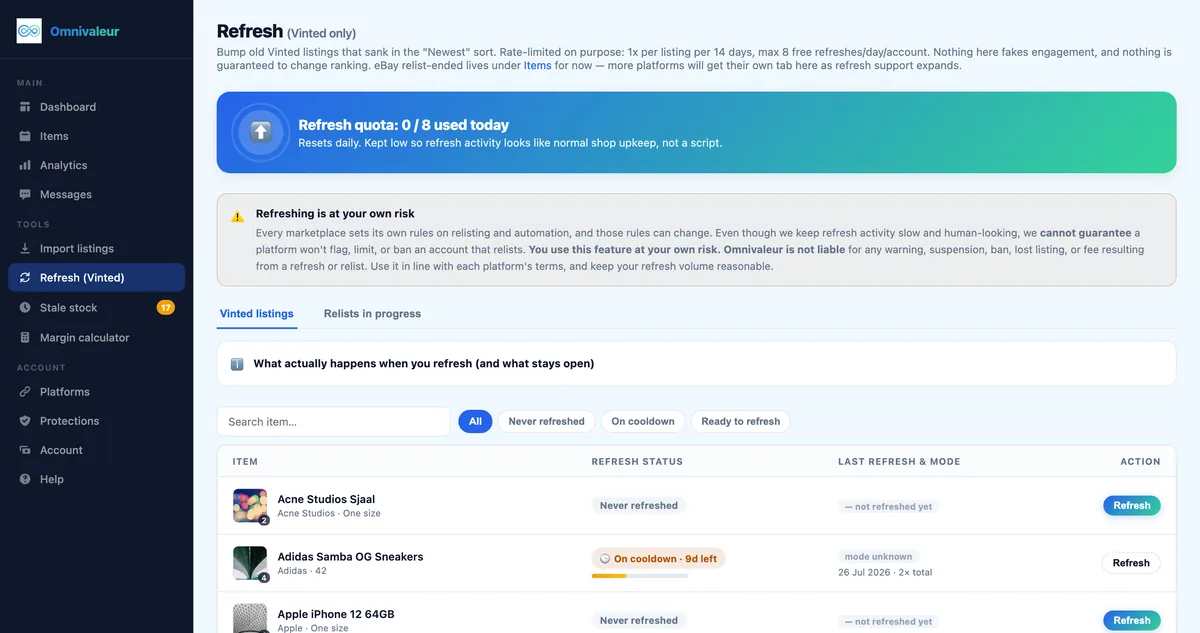
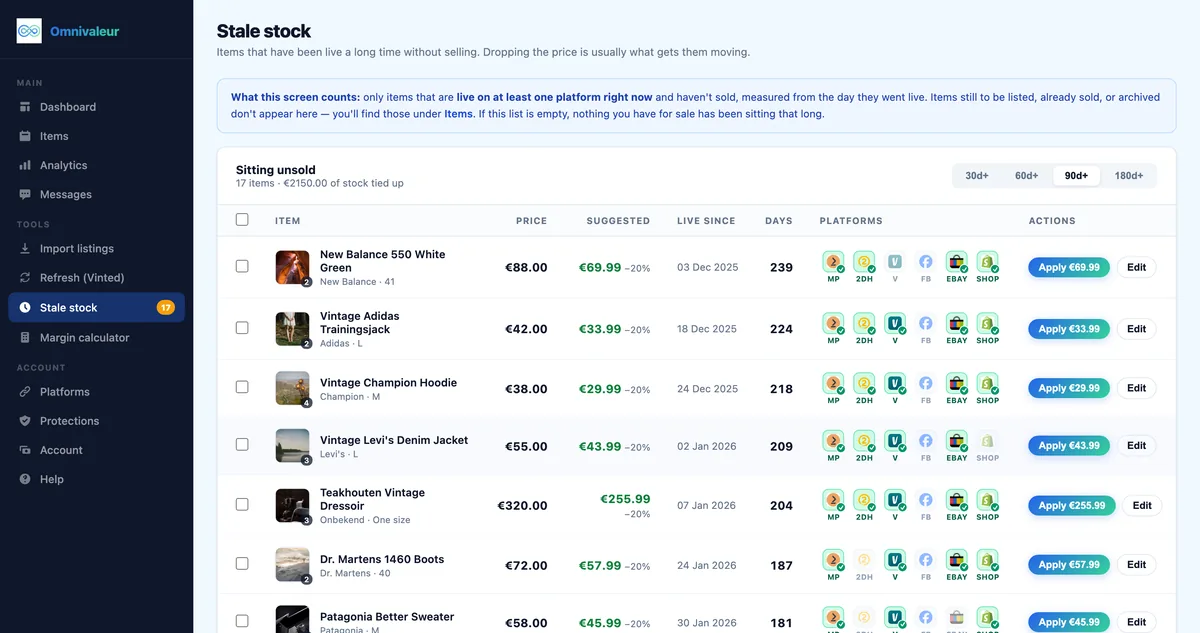
- Check your stale-stock before you leave, not after. Items that have been sitting for months are easy to overlook in a big closet, and a break is actually a good moment to either drop the price or pull them entirely rather than let them keep sinking. Omnivaleur's stale-stock view exists for exactly this: it surfaces listings that have gone quiet instead of letting them disappear down the feed, which is useful right before a period where you will not be actively managing anything.
- Note your current bump/boost credits so you know what carries over when you switch back on.
- If you sell the same inventory on Marktplaats too, check how to avoid selling the same item twice across platforms, since a Vinted-only pause can create a mismatch if a buyer snags the item on Marktplaats while it is "available" there but hidden on Vinted.
If you ship through 2dehands or Marktplaats as part of your rotation, make sure any in-transit parcels are printed and dropped off before vacation mode goes live; the label printing steps for Marktplaats and the 2dehands shipping guide both cover the deadlines that trigger automatic cancellations if a parcel sits unshipped too long.
How Do You Get Your Visibility Back After a Break?
The first 48 hours after switching holiday mode off decide how fast you recover. Three moves help:
- Relist, don't just reactivate, your top two or three sellers. A fresh listing date pushes an item to the top of category and search sorted by "newest," which a reactivated old listing does not get.
- Bump a handful of items the same day. Boosted visibility stacked on day one back does more than spreading the same budget over a week.
- Reply fast to the backlog. Any message or offer that piled up while you were away should get a response within hours, not days, since response time is one of the signals that feeds your seller rating.
Timing also matters here. If you can choose when you come back online, posting activity between 7 and 10 PM on weekdays tends to land in front of the most active browsing window, something covered in more depth in the guide on the best time to post on Vinted. Switching holiday mode off at 9 AM on a Tuesday and then doing nothing until evening wastes the recovery window.
Bundling slower items with faster ones also helps shift stock quickly after a quiet stretch; the mechanics are covered in the guide on how to create bundles on Vinted, and it is a genuinely useful tactic for clearing the items that went stale during the break rather than letting them sit another month.
Does Holiday Mode Work the Same Way for Sellers in the Netherlands and Belgium?
The feature itself is identical across Vinted's European markets, including NL and BE accounts; there is no country-specific version of vacation mode, and the toggle behaves the same whether your listings are priced in euros for Amsterdam buyers or Antwerp buyers. What differs slightly is buyer expectation around response time, since both markets have active, fast-moving second-hand communities where a silent closet for a month is noticed by regular buyers who follow specific sellers.
There is one thing both Dutch and Belgian sellers should keep in mind that has nothing to do with the toggle itself: your tax obligations do not pause with your listings. DAC7 reporting tracks annual totals, not monthly activity, so a July break has zero effect on whether you cross the 30-sale or €2,000 threshold that triggers reporting under the Belastingdienst's DAC7 rules. If you are close to that line before your trip, it is worth checking your running total before you leave, since sales that land right after you reactivate still count toward the same calendar year.
For sellers who run inventory across borders, say storing stock in Belgium but shipping from the Netherlands or vice versa, keep in mind that Vinted's general help centre treats account settings, including vacation mode, as tied to the account, not the shipping address, so there is no regional restriction to worry about either way.
Where This Fits If You Sell on More Than Just Vinted
Vacation mode solves the Vinted side of a break cleanly, but most active resellers are not single-platform. If the same stock also sits on Marktplaats, eBay, or a Shopify store, each of those needs its own pause handled separately, since none of them sync with Vinted's toggle. Sellers running inventory this way often lean on a cross-listing tool specifically to avoid the scenario where an item sells on one platform while still showing as "available" everywhere else during a break. Omnivaleur handles that sync across all connected channels, so a sale confirmed on one marketplace pulls the listing down on the others automatically, which matters most exactly during the kind of gap a holiday creates.
It is also worth separating "short personal break" from "seasonal slowdown." If you are winding down for two or three months rather than two or three weeks, holiday mode is the wrong tool entirely; at that point, a proper review of which categories are worth keeping active, covered in guides like the Vinted reselling automation overview, is more useful than leaving the whole closet dark and hoping it recovers on its own in one weekend back.
Frequently asked questions
Can buyers still message you while Vinted holiday mode is on?
Does turning on holiday mode cancel offers or orders already in progress?
Can you schedule Vinted holiday mode to start on a future date?
Does using holiday mode hurt your seller rating or response rate statistics?
Is Vinted holiday mode the same as deactivating or deleting your account?
Keep reading


Stop copying listings by hand
Omnivaleur publishes your item to every platform at once and syncs stock automatically when something sells.
Start free trial