How to Change Shipping Options on Vinted in 2026
To change shipping options on an active Vinted listing, tap the three dots on your item page, select edit, and toggle your preferred parcel sizes or carriers on or off. Once an item is sold, however, you cannot alter the shipping method directly; you must cancel the order with the buyer's consent and relist.
Key takeaways
- Active Vinted listings can be edited to update allowed parcel sizes and courier options instantly.
- Once a buyer purchases an item, the chosen shipping carrier is locked into the digital shipping label.
- Incorrect parcel weight selections are the primary cause of automated carrier surcharges for European resellers.
- Using automation tools helps prevent manual entry errors when cross-listing inventory across different platforms.
Managing logistics is arguably the most tedious part of second-hand selling. When a buyer checks out, everything needs to click into place instantly. On Vinted, shipping works heavily through integrated prepaid labels tied to specific carriers like Mondial Relay, DPD, PostNL, bpost, or DHL, depending on your geographic region. However, platform rules and buyer preferences change, and sometimes you need to adjust your logistical settings. Whether you are dealing with a bulk inventory update or trying to fix a parcel size mistake on a live listing, knowing how to manage your shipping carriers correctly keeps your account healthy and prevents lost sales.
For high-volume sellers managing hundreds of items across multiple platforms, keeping shipping parameters synchronized is a massive challenge. When handling everything manually, minor oversights happen—such as forgetting to enable small parcel sizes or leaving a courier active that no longer operates near your local drop-off point. Professional inventory managers like Omnivaleur Vinted clothing automation can significantly streamline these workflows by helping you keep consistent parameters across your sales channels.
Can You Change Shipping Options After an Item Is Sold?
The short answer is no. Once a buyer clicks the buy button and generates a shipping label, that transaction is legally and logistically bound to the chosen carrier and parcel size. Vinted's automated system produces a unique tracking barcode tied to that specific label. You cannot swap a Mondial Relay label for a DPD label after the fact, nor can you upgrade a small parcel to a medium parcel without invalidating the postage barcode.
If you or the buyer made a mistake during checkout, your only option is to cancel the transaction mutually. Go to the order chat, tap the information or settings icon, and select cancel order. Choose a mutually agreed reason, and once the cancellation goes through, the item returns to your active inventory. From there, you can edit the listing parameters, fix the shipping options, and ask the buyer to purchase the item again.
Many sellers try to bypass this by shipping with a different carrier independently outside the platform. This is a severe mistake. If you ship outside the integrated Vinted system, the tracking never updates in the app. Vinted will eventually auto-cancel the transaction due to lack of movement, you will lose your item, and you will not receive your payout. Always stick to the generated platform labels.
How to Update Shipping Carriers on Active Vinted Listings
If the item has not sold yet, changing your available shipping options takes less than a minute. Vinted allows you to customize which carriers are available for each individual listing, or you can manage your global shipping preferences in your profile settings to apply default rules to all future uploads.
- Open the Vinted app or website and navigate to your Profile.
- Select My listings and find the specific item you want to update.
- Tap the three dots in the top right corner of the listing and select Edit.
- Scroll down to the Parcel size and Shipping options section.
- Toggle the available carriers on or off based on your drop-off point availability.
- Save your changes.
If you are managing inventory via cross-listing software, it is worth noting that Marktplaats to Vinted cross-listing workflows require careful mapping of shipping profiles. Platforms handle local logistics very differently: Marktplaats relies heavily on buyer-seller arrangement or Marktplaats-integrated PostNL/DHL home delivery, whereas Vinted relies strictly on drop-off point networks. Ensuring your cross-listed items match the logistical reality of your local drop-off points prevents awkward cancellations later.
How to Handle Parcel Size Mistakes Before Shipment
Choosing the wrong parcel size is the most common shipping error professional resellers make. Vinted offers four distinct parcel sizes: Small, Medium, Large, and Custom. Each tier has strict weight and dimension limits. If you list a heavy winter coat as a Small parcel, you will face severe financial consequences.
When a carrier scans a parcel at their sorting facility, they weigh and measure it. If your actual package exceeds the limits of the label you shipped with, the carrier charges Vinted an overweight fee, which Vinted passes directly to you by deducting it from your sales earnings or banning your ability to use that carrier. Worse yet, if the package is drastically oversized, the carrier may return it to sender or discard it.
| Parcel Size | Weight Limit | Typical Dimensions / Use Case |
|---|---|---|
| Small | Up to 500g | T-shirts, lightweight books, small accessories |
| Medium | Up to 1 kg / 2 kg (carrier dependent) | Jeans, hoodies, standard shoes in boxes |
| Large | Up to 5 kg | Heavy boots, thick winter coats, multiple items in a bundle |
| Custom | Over 5 kg | Bulky items, specialized home goods |
To avoid these penalties, always weigh your items on a digital scale before setting the parcel size. If you sell specialized niches like electronics or vintage hardware, accurate weight declarations are even more critical. Many sellers utilize specialized workflows like electronics reselling automation platforms to standardize weight and packaging data across multiple inventory channels, ensuring that fragile or heavy goods never get assigned an incorrect lightweight shipping profile.
- ✓open the vinted app or website and navigate to your profile
- ✓select my listings and find the specific item you want to update
- ✓tap the three dots in the top right corner of the listing and select edit
- ✓scroll down to the parcel size and shipping options section
- ✓toggle the available carriers on or off based on your drop-off point availability
- ✓save your changes
How Global Shipping Settings Impact Your Sales Volume
Many sellers make the mistake of disabling certain carriers because they are located slightly further away from their house. However, restricting your shipping options directly strangles your conversion rate. If a buyer loves your item but only has a Mondial Relay drop-off point near their apartment, and you have Mondial Relay disabled, you lose the sale entirely.
Vinted operates on cross-border logistics within Europe. Buyers from France, Belgium, the Netherlands, and Germany frequently purchase from one another. Keeping as many carriers enabled as logistically possible maximizes your exposure. According to Vinted shipping guidelines, expanding your carrier choices allows the platform's search algorithm to surface your items to a wider international audience.
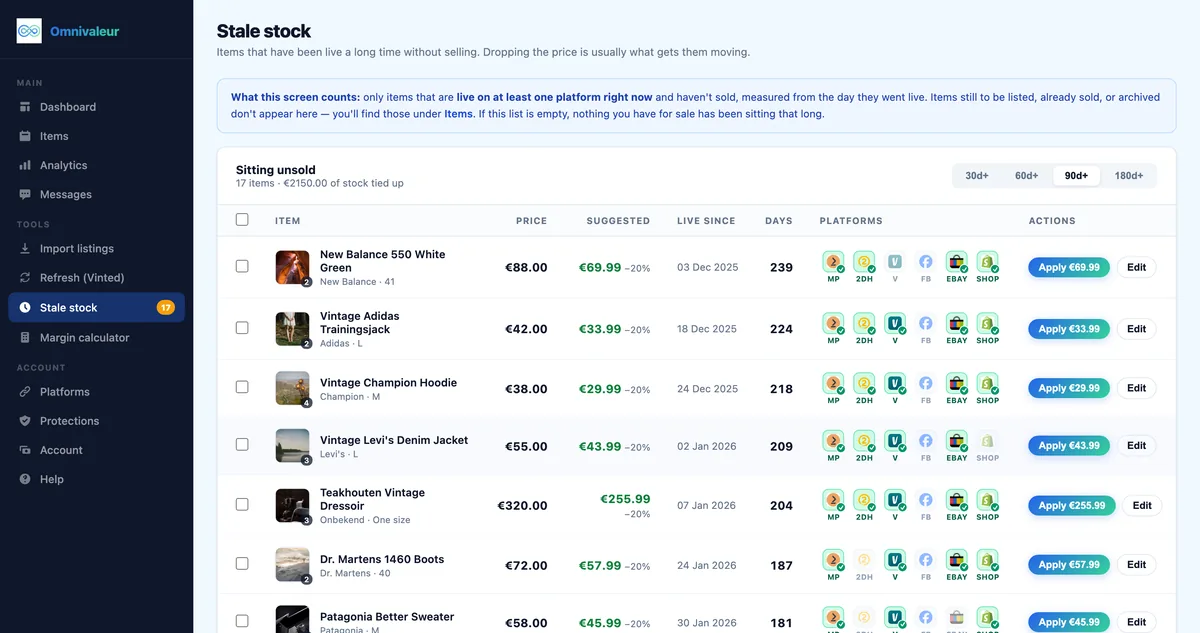
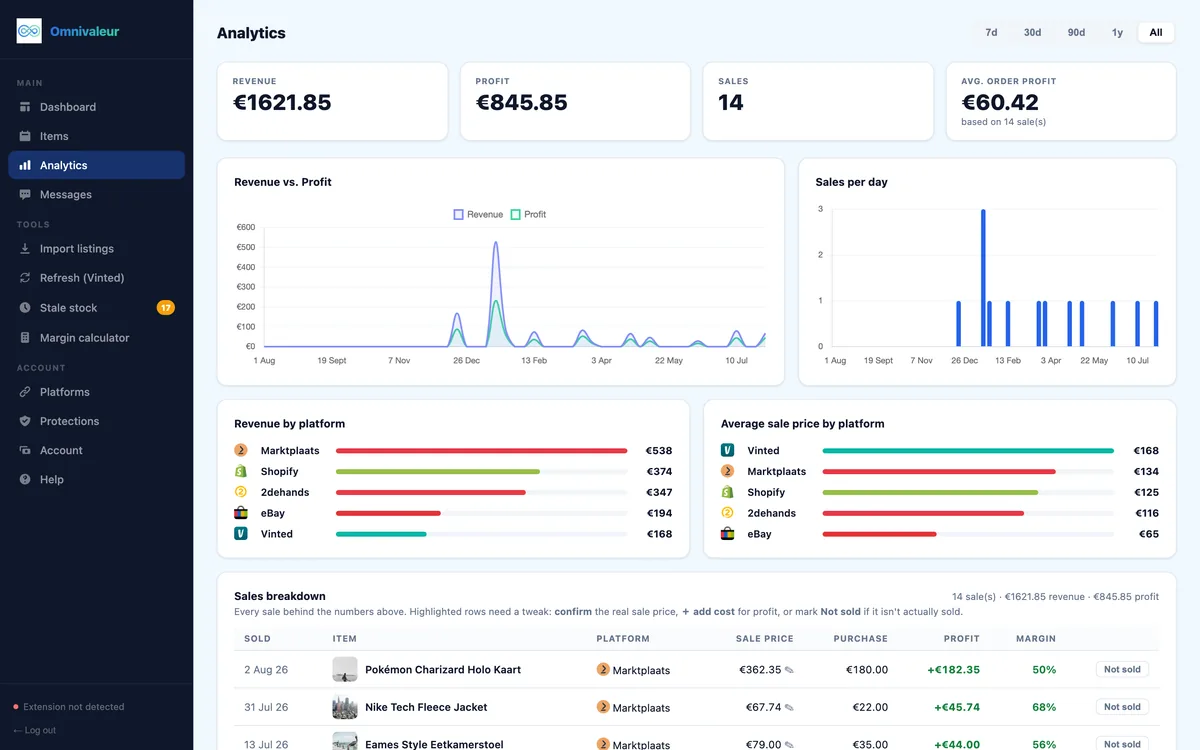
When running a serious reselling operation, tracking your true net margins is essential. Pricing second-hand items accurately requires factoring in platform fees, packaging costs, and potential shipping variances. It is worth noting that Omnivaleur's analytics calculate profit from the real sale price—which sellers confirm per sale—rather than the asking price, because on second-hand marketplaces the two typically differ by roughly 10-20% due to offers and negotiations. Furthermore, Omnivaleur's stale-stock view flags listings that have been sitting unsold, so slow inventory surfaces instead of sinking down the list invisibly.
Legal and Tax Considerations for European Resellers
As cross-border shipping and sales grow, platform compliance becomes mandatory. Under European Union tax transparency rules, platforms like Vinted are required to track and report seller earnings. Reviewing official guidelines via the European Commission DAC7 overview helps clarify when your secondary hobby crosses into professional taxable territory. If you are based in the Netherlands, you should also cross-reference local thresholds with the Belastingdienst DAC7 information for sellers.
Consumer protection laws also govern how you handle returns and shipping disputes. Reviewing the standards set by Your Europe consumer shopping rights ensures your business practices stay aligned with EU regulations, protecting you from unwarranted chargebacks or platform penalties.
Frequently asked questions
Why are certain shipping carriers greyed out when I edit my Vinted listing?
Can I change the drop-off point after downloading the Vinted shipping label?
What happens if I accidentally select a parcel size that is too small?
How do I remove a carrier permanently from all my Vinted listings?
Keep reading



Stop copying listings by hand
Omnivaleur publishes your item to every platform at once and syncs stock automatically when something sells.
Start free trial