On 2dehands, open your account settings, enable shipping under "Verzending/Shipping," and link bpost as your carrier. Once active, every item you tag as "shippable" generates a label automatically when a buyer pays, no manual trip to bpost.be needed. You still confirm size and weight per listing before the label prints correctly.
Key takeaways
- Automatic label generation is off by default on new 2dehands accounts and needs to be switched on once in settings.
- Labels run through bpost, print as A6 PDFs, or appear as a scannable QR code for counter drop-off with no printer required.
- Typical 2026 label costs sit between €4.50 and €6.90 depending on parcel size and whether the buyer picks a locker, post point, or home delivery.
- A label that won't generate almost always means the order status hasn't synced yet between payment and the shipping module, not a bpost outage.
- If the same item is listed on Marktplaats or Vinted too, track each platform's shipping status separately so you never print two labels for one sold item.
2dehands is run by the same parent company as Marktplaats, but its shipping stack is not identical. If you're coming from the Dutch side expecting PostNL and the exact same menus, you'll hit a few differences straight away. Here's the actual setup, step by step, plus the edge cases that trip up resellers once they start shipping ten or twenty parcels a week.
What does "automatic shipping label" actually mean on 2dehands?
It doesn't mean 2dehands prints and posts the parcel for you. It means the platform generates the bpost label file the moment a buyer pays through the integrated checkout, instead of you logging into bpost separately, typing the address, weighing the item, and paying for postage by hand. Once set up correctly, your workflow drops from five or six manual steps to two: confirm the parcel size, then print or scan.
This only works for listings marked as shippable with the built-in option. Items sold through local pickup, cash-on-collection, or external chat arrangements never trigger a label, automatic or otherwise. If you're used to the equivalent feature on the Dutch platform, the logic is close to what's described in our guide on how to print shipping labels on Marktplaats, but the carrier, pricing, and account menu are specific to 2dehands.
How do you turn on automatic label generation step by step?
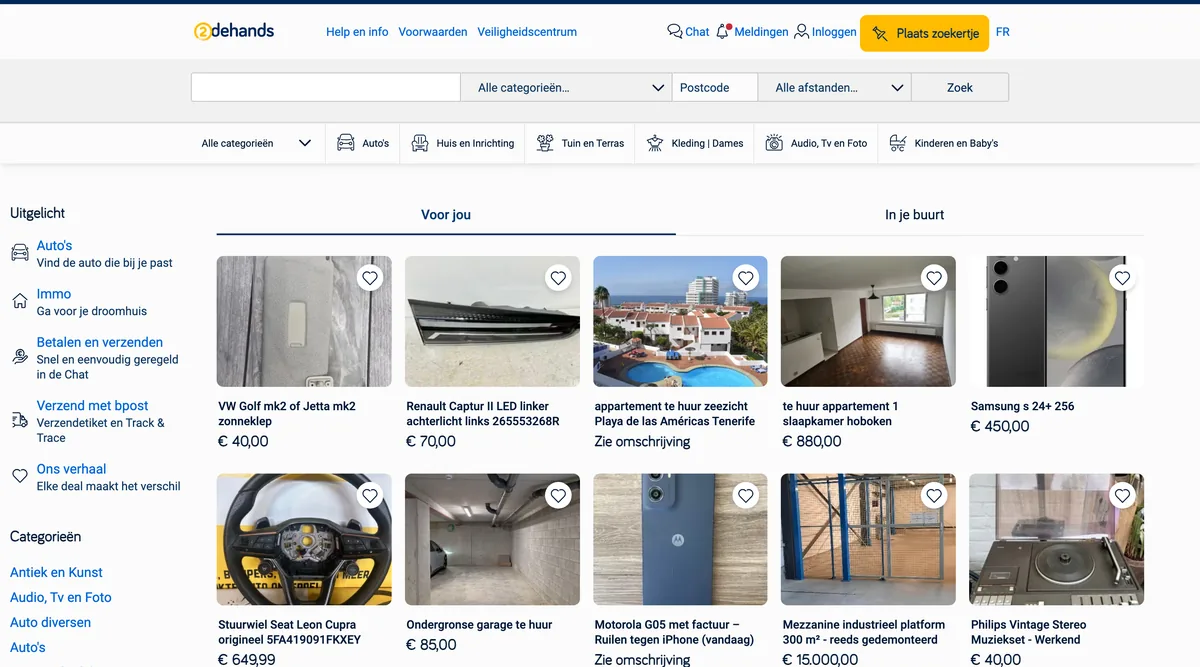
- Log into your 2dehands account and go to Account > Settings > Shipping (or "Verzending" if your interface language reverts to Dutch — see our note on changing the language on 2dehands if menus keep switching on you).
- Enable the toggle for "Allow shipping via 2dehands". You'll need a verified bank account linked for payouts before this activates.
- When you create or edit a listing, tick "Shippable item" and enter the weight and dimensions. This step cannot be skipped — bpost rejects labels generated without accurate parcel data, and you'll be charged a correction fee if the actual weight doesn't match what you declared.
- Once a buyer pays through the integrated checkout, the label appears in your Orders tab within a few minutes, not instantly. Refresh the page if it hasn't shown up after ten minutes.
- Download the PDF or open the QR code, depending on how you plan to drop the parcel.
The part people miss: the toggle in step 2 is account-wide, but the "shippable" tag in step 3 is per listing. If you relist an item or duplicate a draft, the shipping tag sometimes doesn't carry over. Check it on every new listing for the first month until you're sure your workflow catches it.
Which carrier does 2dehands use for shipping labels in 2026?
bpost remains the default and, for most account types, the only integrated carrier on 2dehands in 2026. There is no PostNL option here, which surprises Dutch sellers who also list on Marktplaats and assume the backend is shared. It isn't, at least not from the seller's side. Mondial Relay integration has been piloted in some Belgian regions but isn't standard across all accounts yet, so don't plan around it until you see the option in your own settings.
For the current service terms, parcel insurance limits, and anything that's changed since this guide was written, 2dehands keeps its policy pages updated at the 2dehands Help & Info center. Worth a five-minute check twice a year, because tariff brackets shift and so does the maximum declared value covered automatically.
Parcel size and weight limits
- Small parcel: up to 2 kg, max 35 x 30 x 15 cm — typically the cheapest tier.
- Medium parcel: up to 10 kg, max 100 cm combined length+girth.
- Oversized items (furniture, large electronics) usually fall outside automatic labeling entirely and need a manual bpost quote or a courier booked outside the platform.
What does automatic shipping cost compared to manual drop-off?
Automatic labels are not cheaper per se — they're the same bpost rate you'd pay booking directly, but 2dehands adds the convenience of pre-filled addresses and buyer-paid postage baked into the sale price. Here's a rough comparison for 2026 pricing tiers (always confirm the live number in your account, since carrier rates get revised at least once a year):
| Shipping method | Typical cost (2026) | Printer needed? | Delivery speed |
|---|---|---|---|
| bpost parcel locker, auto label | €4.50 – €5.80 | No (QR code) | 1–3 business days |
| bpost post point, auto label | €4.90 – €6.20 | No (QR code) | 1–3 business days |
| bpost home delivery, auto label | €5.90 – €6.90 | Optional (print or QR) | 1–2 business days |
| Manual bpost booking outside 2dehands | Variable, often +€0.50 surcharge | Yes, usually | 1–3 business days |
The real saving isn't in euros, it's in time. Resellers shipping fifteen-plus parcels a week report saving 20-30 minutes daily simply by not re-entering addresses and weighing items at a separate bpost portal.
Do you need a printer, or can you use a QR code at a post point?
No printer required. This is the detail most beginners miss and the reason the feature feels more "automatic" than it is on paper. When a label generates, 2dehands offers both a downloadable PDF and a scannable QR code. Walk into any bpost point or locker, scan the QR code on your phone screen, and the counter staff (or the locker) prints the label on their end. You hand over the parcel wrapped, they handle the sticker.
If you do print at home, use A6 label stock or plain A4 paper folded to show the barcode clearly — thermal label printers compatible with bpost's format cut the per-label printing cost further if you're doing volume. Either way, keep the parcel wrapping within size limits: an oversized box with a QR label attached often gets rejected at the counter and sent back to you, costing a day of delay.
- ✓Log into your 2dehands account and go to Account > Settings > Shipping to find the toggle
- ✓Enable the toggle for allow shipping via 2dehands with a verified bank account linked
- ✓When you create or edit a listing, tick shippable item and enter the weight and dimensions
- ✓Check that the shippable tag carries over if you relist or duplicate a draft
- ✓Once a buyer pays, refresh your Orders tab within ten minutes to see the generated label
- ✓Download the PDF or use the QR code to drop the parcel at a bpost point or locker
What happens when a label fails to generate or a sale falls through?
Three failure patterns show up repeatedly:
- Label stuck "pending" for over an hour — almost always a payment-sync delay. Refresh the Orders tab; if nothing changes after 24 hours, contact support through the help center rather than re-triggering the sale, which can create a duplicate charge.
- Weight mismatch rejection — you entered 0.5 kg at listing but the actual parcel weighs 1.4 kg. bpost flags this at the counter, and you'll owe a correction surcharge, usually €1.50–€3.00 depending on the gap.
- Buyer cancels after the label already generated — the label itself isn't automatically voided. Go into Orders and manually cancel the shipment, or you risk being charged for an unused label on some account tiers.
None of these are bugs exactly, they're the gap between "automatic" and "unsupervised." You still own the final check before the parcel leaves your hands.
How do you handle shipping labels when the same item is cross-listed elsewhere?
This is the part automatic labeling doesn't solve on its own, and it's the actual reason most sellers get into trouble. If the same camera is live on 2dehands, Marktplaats, and Vinted at once, and it sells on Vinted first, you need to pull the 2dehands and Marktplaats listings down before a second buyer pays and a label generates for an item you no longer have.
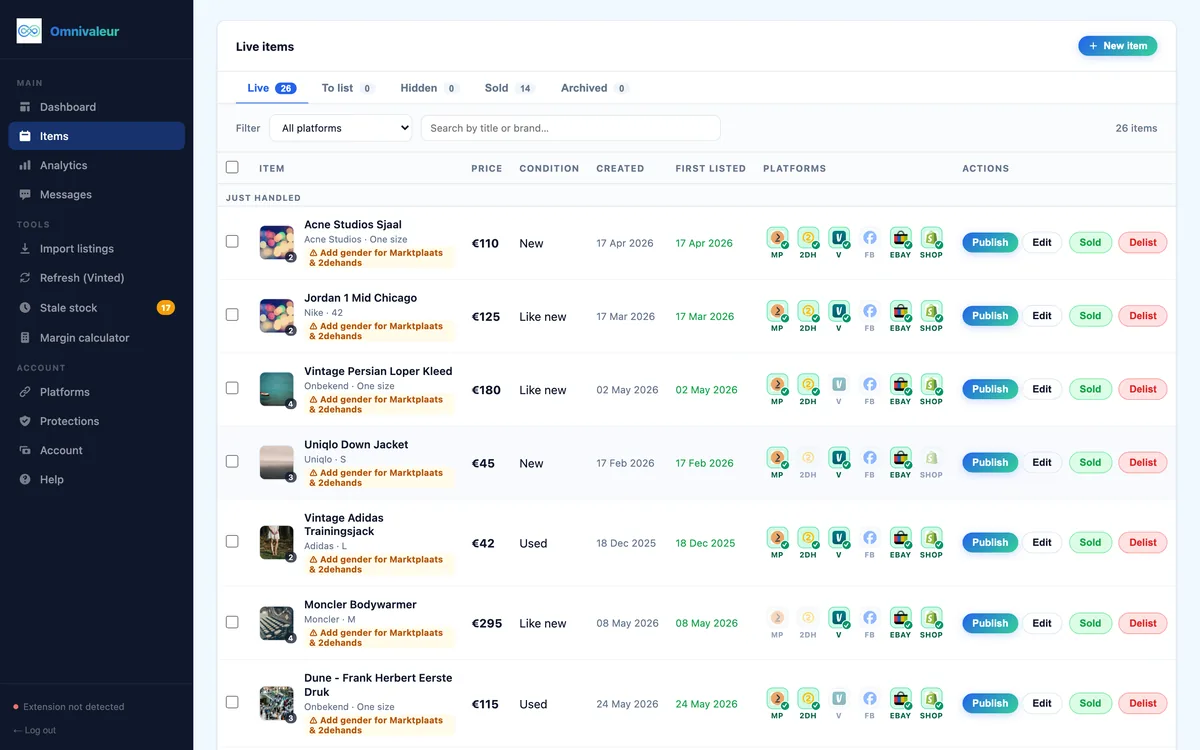
Omnivaleur publishes one item to up to seven channels from a single intake form — Marktplaats, 2dehands, Vinted, eBay, Shopify, WooCommerce, and Facebook Marketplace in beta — and a typical item carries three to five of those listings live at the same time. The app tracks each platform's sold/active status separately, so when a sale closes the loop on one channel, the others get flagged for removal instead of silently sitting live and risking a duplicate sale and an unwanted bpost charge. If you're running 2dehands alongside Marktplaats specifically, our guide on cross-listing between Marktplaats and 2dehands covers the listing side of this in more detail, and our piece on how to avoid selling the same item twice walks through the manual safeguards if you're not using cross-listing software yet.
For a broader look at parcel handling once the label is in hand — packaging, drop-off points, what to do if a buyer disputes delivery — see our dedicated guide on how to ship a parcel via 2dehands.
Is DAC7 tax reporting affected by using integrated shipping labels?
No, shipping method has no bearing on DAC7 thresholds. What triggers reporting is sales volume and payout value, not how the parcel moved. Under the EU-wide DAC7 directive, platforms report seller data to tax authorities once you cross 30 transactions or €2,000 in a calendar year — the same rule that applies across Marktplaats, Vinted and 2dehands, since it's an EU directive, not a platform-specific policy. You can read the official explanation from the European Commission's DAC7 overview, and Dutch sellers specifically should check the Belastingdienst's DAC7 guidance for sellers. We've also broken down the exact numbers in our DAC7 reporting rules guide, and if you're buying and reselling regularly enough that VAT questions come up, the VAT margin scheme guide for second-hand goods covers how that interacts with cross-border sales.
What automatic shipping labels do give you, incidentally, is a clean paper trail. Every bpost label ties to a dated, priced transaction inside your 2dehands account history, which makes year-end bookkeeping considerably less painful than reconstructing manual bpost receipts from memory.
Buyer rights and what happens if a parcel arrives damaged?
Automatic labels through 2dehands include standard bpost liability, but that cover is modest — usually capped well below the item's resale value for anything beyond basic parcels. For higher-value items, declare the correct value at listing stage so the insurance tier matches, and photograph the item before sealing the box. Buyers purchasing from registered sellers across the EU retain standard consumer protections regardless of which platform handled the label; the Your Europe consumer rights overview is a useful reference if a buyer disputes condition or delivery and you need to know where platform policy ends and EU law begins.
Practically: keep every shipping confirmation and tracking number for at least six months after a sale closes. Disputes rarely surface in the first week, they surface when a buyer notices a flaw three weeks later and tries to claim the parcel never arrived as described.
Frequently asked questions
Can I set automatic shipping labels as the default for all future listings on 2dehands?
Does 2dehands charge extra for using the automatic label feature itself?
What if my bpost account details change after I've already enabled automatic shipping?
Can I generate a label for an item that sold through direct message instead of the built-in checkout?
Is the automatic shipping option available for private sellers, or only registered businesses?
Keep reading


Stop copying listings by hand
Omnivaleur publishes your item to every platform at once and syncs stock automatically when something sells.
Start free trial