How to Create Bundles on Vinted: The Complete 2026 Reseller Guide
To create a bundle on Vinted as a buyer, open a seller's profile, tap "Shop," select "Create bundle," add items, and request the bundle. As a seller, enable automated bundle discounts under Profile > Bundle discounts, confirm the buyer's item selection, choose the correct parcel size, and send the final price quote.
Key takeaways
- Buyers build bundles directly from a seller's profile, but sellers must confirm parcel dimensions before checkout.
- Sellers can set automatic tiered discounts up to 50% across 2, 3, or 5+ items to boost average order value.
- Bundling reduces shipping fees and buyer protection costs to a single transaction charge.
- Cross-listing inventory across marketplaces requires fast delisting because single items inside bundles sell instantly.
Bundling is the fastest way to clear slow-moving second-hand inventory on Vinted while giving buyers a substantial break on shipping fees. Instead of paying €3.99 postage and the mandatory buyer protection fee three times for three separate shirts, a customer combines them into a single parcel. For you as a merchant, bundles drive higher average order value, reduce packaging runs, and move deadstock.
Yet Vinted's bundle mechanics frequently confuse both new shoppers and established sellers. The platform divides bundling into two distinct processes: the automated discount settings you configure as a vendor, and the manual assembly workflow triggered by the shopper. Let's break down the mechanics step by step, cover 2026 parcel weight regulations, and explore how multi-platform resellers manage multi-item orders without overselling.
How Do Buyers Create a Bundle on Vinted?
Buyers initiate every custom bundle on Vinted. You cannot force-pack items into a buyer's basket from your seller dashboard unless you create a single standalone listing containing multiple items (a "lot"). To buy multiple separate listings together, the customer follows this exact sequence:
- Navigate to the seller's wardrobe: Tap on the seller's username or open any listing and select "Shop member's wardrobe."
- Tap the bundle button: Tap the "Shop" or "Create bundle" button at the top of the wardrobe screen.
- Select items: Browse the catalog and tap "Add" on every item desired. Vinted permits up to 20 items per bundle request.
- Confirm the selection: Tap the shopping bag icon showing the running tally at the bottom of the screen.
- Request the bundle: Tap "Request bundle." This sends a private direct message to the seller containing the full list of chosen items.
At this stage, the transaction is not complete. The items are not reserved. Another shopper can still purchase any of those items individually at full price until the bundle process finishes and the buyer pays. Speed matters here: both parties need to confirm details promptly.
How Do Sellers Set Up Automatic Bundle Discounts?
Vinted provides a native automated discounting feature that incentivizes volume buying. Setting this up ensures discounts apply automatically when a shopper selects multiple garments from your closet.
To configure your automated discounts in 2026:
- Open the Vinted app and tap your Profile tab in the bottom right corner.
- Scroll down and select Bundle discounts.
- Toggle the switch to turn bundle discounts on.
- Select your tiered discount percentages. Vinted lets you set distinct discount tiers:
- 2 items: typically 10% to 15%
- 3 items: typically 15% to 20%
- 5 items or more: typically 20% to 30% (up to a 50% maximum)
- Tap Save.
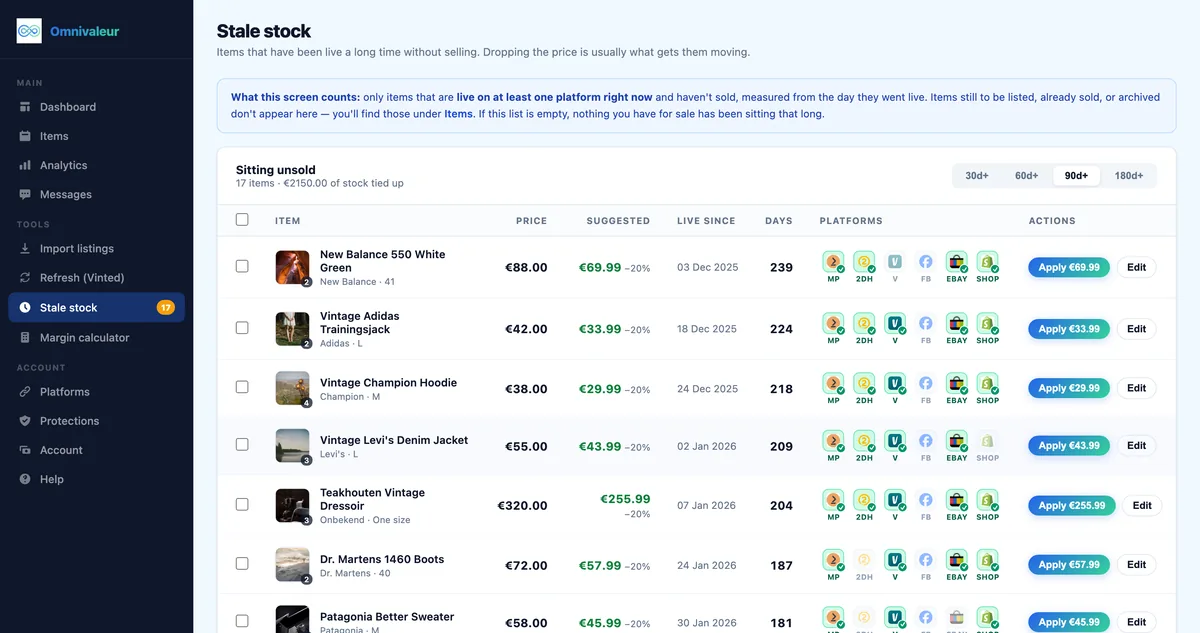
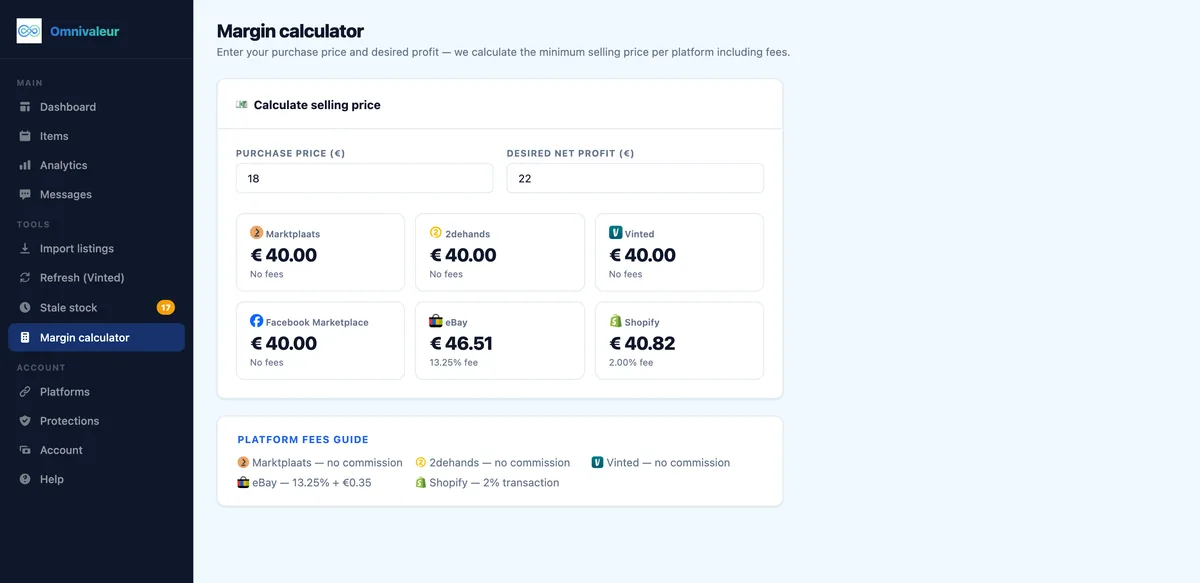
Once activated, these percentage reductions display directly on your wardrobe banner. When a buyer creates a bundle, the app automatically calculates the discounted subtotal. Professional resellers should study how to price second-hand items so these automatic markdowns don't eat into net profit margins.
What Happens After a Buyer Requests a Bundle?
Once a shopper taps "Request bundle," the ball rolls into your court. Here is the operational workflow from initial notification to printing the shipping label according to official Vinted selling rules:
Step 1: Review the Item Selection
Open your direct messages. You will see a conversation thread displaying all selected items alongside their individual prices and the calculated subtotal. Double-check your physical inventory to verify that every item is still on your shelf and in the stated condition.
Step 2: Select the Correct Parcel Size
Vinted requires the seller to assign the shipping parcel size for custom bundles because the platform's algorithm cannot predict the volumetric weight of combined items. If a buyer selects three heavy winter knit sweaters, a Small parcel will be rejected at the parcel drop-off point or incur penalty fees.
You must choose between Small, Medium, Large, or Heavy parcel tiers. Review how to change shipping options on Vinted to ensure your selected carrier networks (Mondial Relay, DPD, PostNL, Homerr, or bpost) accept your physical packaging dimensions.
Step 3: Submit the Shipping Option
Tap "Select parcel size," pick the appropriate tier, and confirm. This sends the finalized offer back to the buyer, combining the item subtotal, platform buyer protection fee, and exact shipping cost.
Step 4: The Buyer Completes Checkout
The buyer receives a "Buy now" button in the chat. They have up to 5 days to complete payment, though most pay within a few hours. Once paid, Vinted automatically generates a single prepaid shipping label, marks all bundled listings as "Sold," and transfers the combined funds into your pending balance.
Bundle Pricing and Financial Math: A Worked Example
To understand why bundles attract cross-border European shoppers across the Netherlands, Belgium, and France, look at the mathematics behind a three-item purchase. Here is an exact breakdown using standard European platform tariffs:
| Fee Component | Individual Purchases (3 Separate Orders) | Single Combined Bundle (20% Tier) |
|---|---|---|
| Item 1: Vintage Denim Jacket | €25.00 | €20.00 (discounted) |
| Item 2: Graphic T-Shirt | €12.00 | €9.60 (discounted) |
| Item 3: Chino Trousers | €18.00 | €14.40 (discounted) |
| Items Subtotal | €55.00 | €44.00 |
| Buyer Protection Fee (€0.70 + 5%) | €4.85 (€1.95 + €1.30 + €1.60) | €2.90 (€0.70 + 5% of €44.00) |
| Shipping Costs (Avg. €3.75 per parcel) | €11.25 (€3.75 × 3) | €4.50 (Single Medium parcel) |
| Total Cost for Buyer | €71.10 | €51.40 |
| Net Seller Payout | €55.00 | €44.00 |
The buyer saves €19.70 (a 28% total savings), while you clear three garments in a single polymailer with one trip to the drop-off locker. Keep in mind that gross earnings on digital platforms count toward European reporting thresholds. Review the DAC7 Vinted reporting rules in the Netherlands as well as guidelines from the European Commission on DAC7 to track your annual sales volume accurately.
Can Sellers Manually Create Bundle Listings as a Single Lot?
Yes. If you have complementary items—such as a coordinated two-piece suit, a set of three baby rompers, or a collection of fantasy novels—you do not have to wait for a buyer to build a bundle. You can list them together as a pre-packaged "lot" under a single listing.
Follow these steps to list an intentional lot:
- Take clear cover photos showing all included items together. Take individual photos of each garment's tag, front, back, and any visible flaws. Review our tutorial on how to photograph clothes for Vinted for lighting and staging best practices.
- Set the listing title clearly: e.g., "Bundle of 3 Men's Linen Shirts | Size L | Ralph Lauren & Zara".
- Select the category that best matches the bulk of the lot. For mixed clothing lots, choose the primary category or "Other."
- In the description, explicitly list each item with its individual brand, size, and condition. State clearly: "Sold as a set of 3 only. Not splitting."
- Weigh the full collection together and choose the appropriate parcel class before publishing.
Pre-packaged lots work well for everyday basics and children's clothing. For higher-value fashion items, keep listings separate so buyers can curate their own combinations using the native bundle tool.
- ✓weigh the bundle with packaging on your scale
- ✓select the correct parcel size in the app
- ✓protect contents against moisture in the box
- ✓take photos of the open and sealed box
How to Negotiate and Send Custom Offers on Bundles
A buyer's bundle request is not a locked price. You can counter-offer just as you would on a single listing. If someone selects three premium garments totaling €90 and your 15% discount automatically drops it to €76.50, the buyer might still message you offering €65.00.
To negotiate inside the bundle chat:
- Tap "Make an offer": Located directly below the itemized summary in the message thread.
- Input your counter-figure: You can enter any price lower than the current subtotal. You cannot raise the price above the original sum.
- Wait for buyer acceptance: When the buyer accepts your price offer, you still need to choose the parcel size if you haven't already.
Be decisive during bundle negotiations. Buyers often build carts with multiple competing sellers simultaneously. The merchant who responds promptly, selects an accurate parcel size, and offers a fair price wins the checkout.
Multi-Platform Reselling: Preventing Double Sales When Bundles Sell
Bundling introduces a major operational challenge if you cross-list across multiple marketplaces like Marktplaats, 2dehands, and eBay. When an item sells on Vinted as part of a bundle, it is easy to forget that two or three separate items vanished from your inventory simultaneously.
If you list a vintage leather jacket on both Vinted and Marktplaats, and a buyer on Vinted bundles that jacket with a pair of boots, those listings on Marktplaats must be closed immediately. A single item in Omnivaleur typically carries 3-5 active listings at once; the app tracks each platform's status separately. When a multi-item transaction clears on Vinted, you must delist those exact SKUs across your other channels before another shopper purchases them elsewhere.
To streamline this process:
- Organize your inventory with clear SKU labeling or physical bin numbers.
- Keep notifications enabled for Vinted sales so you can act immediately upon purchase confirmation.
- If you sell high volumes across Europe, read our breakdown on how to avoid selling the same item twice.
- Resellers migrating items between channels can review our guide to Marktplaats to Vinted cross-listing for smooth catalog management.
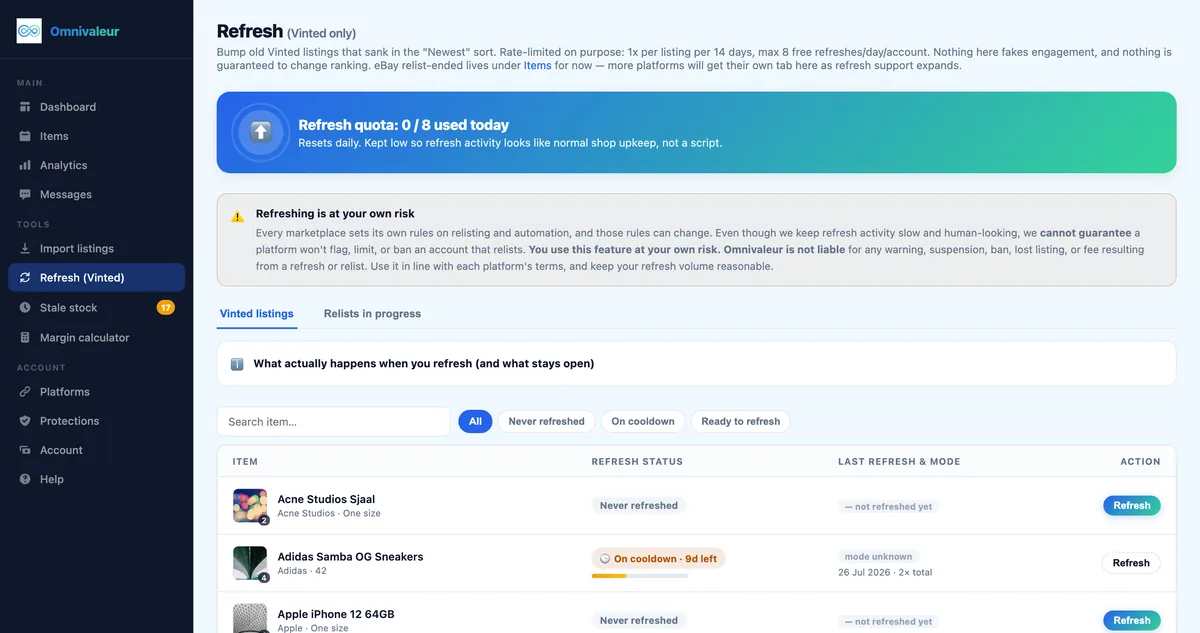
Catalog maintenance also involves refreshing stale listings. While some sellers turn to external automation scripts, be cautious: Omnivaleur's Vinted refresh tool caps itself at 8 free refreshes per day and states outright that no tool can guarantee a marketplace won't flag an account. Platform safety requires staying within human browsing parameters.
Packaging and Shipping Bundle Orders Without Carrier Fines
Shipping multiple items in one parcel requires extra care. Carriers like PostNL, DPD, and Mondial Relay weigh packages at automated sorting hubs. Underestimating parcel weight can lead to surcharges billed directly to your Vinted wallet or return-to-sender delivery failures.
- Weigh everything with packaging: Place all bundled garments inside your cardboard box or polymailer onto your postal scale along with protective tissue paper or bubble wrap before assigning the parcel size.
- Select the right tier:
- Small (up to 500g): Suitable for 2 light t-shirts or thin silk items.
- Medium (up to 1kg): Ideal for 2-3 standard items, such as a blouse, jeans, and a light knit.
- Large (up to 2kg): Required for winter coats, boots, or bundles containing 4+ mixed garments.
- Heavy / Custom (up to 5kg+): For large outerwear lots or bulky homeware sets.
- Protect contents against moisture: Use waterproof outer packaging. If shipping footwear alongside fragile garments, bag shoes separately inside the parcel so dirty soles or sharp buckles don't snag delicate fabrics.
- Document parcel condition: Take a quick photo of the items placed inside the open box and another of the sealed box with the carrier barcode visible. According to EU consumer rights standards, visual proof of dispatch helps resolve delivery disputes smoothly.
Troubleshooting Common Vinted Bundle Problems
Even seasoned merchants encounter edge cases when dealing with multi-item orders. Here is how to handle the most frequent bundle snags:
1. An Item in the Bundle Sells to Someone Else
Because bundling does not reserve listings automatically, another buyer can purchase an item out of a requested bundle before the bundle buyer pays. When this happens, Vinted automatically recalculates the bundle total without that missing item. The bundle buyer must then decide whether to proceed with the remaining items or cancel the request.
2. The Buyer Requests a Split After Purchasing
Buyers occasionally message after checkout asking to remove one item and receive a partial refund. Vinted does not support partial cancellations on bundles. You must cancel the entire order (select "Agreed with buyer" as the cancellation reason to avoid negative automatic feedback), re-list the desired items, and have the customer request a fresh bundle.
3. Return Requests on Bundles
If an item in a bundle has undisclosed damage or is not as described, Vinted's standard policy requires the buyer to return the entire bundle to receive a refund, unless you mutually agree that the buyer keeps the lot or you issue an off-platform resolution. Consult the official Vinted Help Centre for step-by-step dispute arbitration procedures.
Keep reading
Stop copying listings by hand
Omnivaleur publishes your item to every platform at once and syncs stock automatically when something sells.
Start free trial