How to Delete Listings on 2dehands: Full 2026 Seller Guide
Open the listing in your 2dehands account, tap "Manage" (Beheren), then "Delete" (Verwijderen), and confirm. It disappears instantly from search and your profile. Deletion is permanent and resets your view count, so mark an item as sold instead if you still want the stats and message history preserved.
Key takeaways
- Deleting a 2dehands listing is permanent — there is no undo or recovery option, unlike pausing it.
- Marking an item "sold" keeps your stats and conversation history; deleting it wipes both immediately.
- 2dehands does not offer native bulk-delete in 2026 — each listing must be removed one by one.
- Deleting a listing doesn't hurt your seller rank, but having zero active listings for weeks can.
- Closing your whole 2dehands account removes every listing at once and can't be reversed either.
Deleting a listing on 2dehands takes two taps once you know where the button lives — the confusion usually isn't the mechanics, it's figuring out whether you actually want to delete, deactivate, or just mark the thing sold. Each choice has a different effect on your stats, your messages, and how fast the slot frees up for a new ad. Here's the full breakdown, including the edge cases that trip up resellers running several platforms at once.
How do you delete an active listing on 2dehands in 2026?
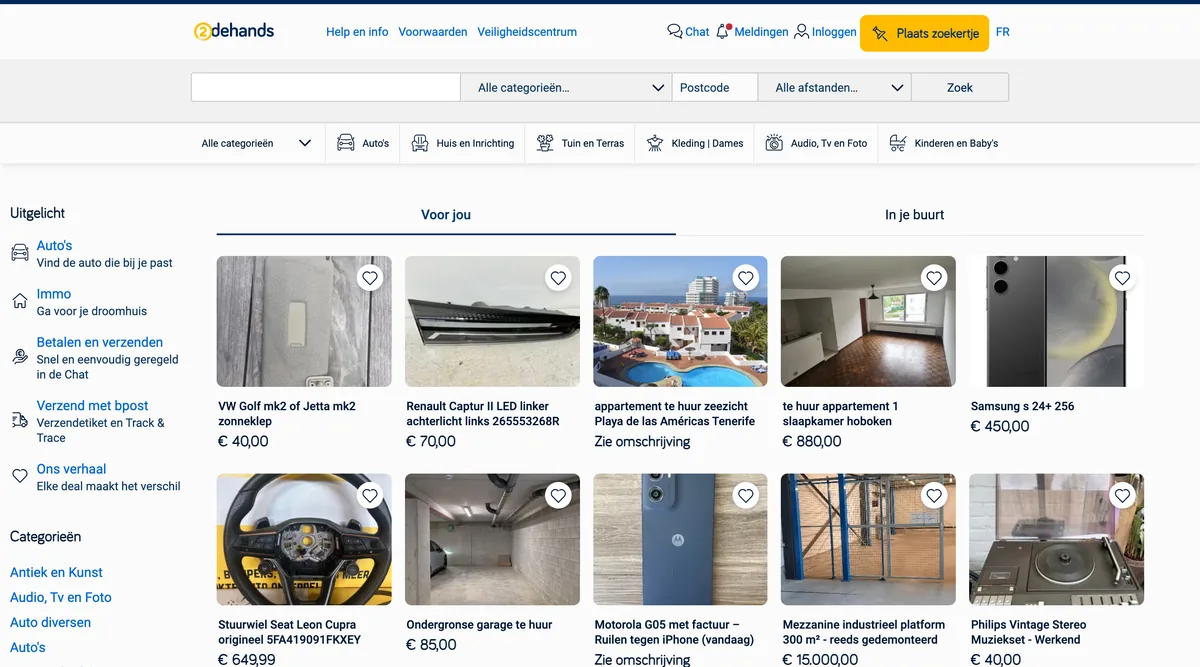
The flow hasn't changed much in the last couple of years, but the layout did get a refresh in 2025-2026 with a slightly reworked "Mijn advertenties" (My listings) tab. Here's the current path:
- Open the 2dehands app or go to the desktop site and log in.
- Tap your profile icon, then go to "My listings" (Mijn advertenties).
- Select the listing you want to remove.
- Tap "Manage this listing" (Beheer deze advertentie).
- Choose "Delete" (Verwijderen) — on desktop this sits under a three-dot menu next to the listing title.
- Confirm in the pop-up. 2dehands will ask you to pick a reason (sold elsewhere, no longer for sale, changed my mind) before it finalizes the deletion.
That's it — the ad vanishes from search results, from your public profile, and from anyone's saved favorites almost immediately. It can take up to a few minutes to fully clear from cached search pages, but it's no longer purchasable or messageable the moment you confirm.
One detail resellers miss: the "reason" dropdown isn't just a formality. If you pick "sold outside 2dehands," the platform logs that against the listing internally, which is one of the signals it uses to understand off-platform sale volume. It doesn't affect your account standing, but it's worth being honest about it rather than always clicking the first option.
Should you delete a listing, or just mark it as sold or deactivate it?
This is the decision that actually matters, and it's the one none of the generic guides for other platforms answer with 2dehands specifics. There are three distinct actions available, and they behave very differently:
| Action | What happens | Visible to buyers? | Stats & messages kept? | Reversible? | Best used when |
|---|---|---|---|---|---|
| Delete | Listing removed permanently from your account and search | No | No — view count and chat history gone | No | You never want this item relisted and don't need the data |
| Mark as sold | Listing stays on your profile but flagged "sold," buyers can't buy it | Visible as sold, not purchasable | Yes — full history preserved | You can unmark it later | You sold it on 2dehands and want the stats for pricing research later |
| Deactivate / pause | Listing hidden from search but not deleted | No, until reactivated | Yes | Yes — reactivate anytime | You're out of stock temporarily or waiting on a return |
If you sold the item somewhere else — say, a buyer paid via Vinted or Marktplaats while the 2dehands ad was still live — delete it fast rather than marking it sold, because "sold" still implies you sold it through 2dehands and that's the field it uses for its own seller analytics. For items you plan to never touch again, delete is cleaner and keeps your "My listings" tab from filling up with dead ads.
If you're juggling the same item across 2dehands, Marktplaats, and Vinted simultaneously, this is exactly the moment double-selling happens. Our guide on how to avoid selling the same item twice walks through the manual habits that prevent it, and tools like Omnivaleur pull a listing down everywhere the instant it sells on one platform, so you're not manually deleting four copies of the same ad across four tabs.
How do you delete a listing that's already marked as sold?
A sold listing deletes the same way as an active one — go to "My listings," filter by "Sold" (Verkocht), open the item, tap Manage, then Delete. The one difference: 2dehands will sometimes ask if you want to keep it for your sales history before confirming. If you're tracking profit margins for tax purposes, say no to deleting and keep it archived instead, because once it's gone, the sale price and buyer thread go with it.
This matters more than it sounds. If you're a registered reseller in Belgium, the Belastingdienst's EU counterpart rules under DAC7 reporting mean platforms share seller transaction data with tax authorities once you cross certain thresholds. Keeping your sold listings archived (rather than deleted) for a year gives you a paper trail if a tax question ever comes up. Our breakdown of second-hand sales tax rules in Belgium covers exactly when that threshold applies to casual versus business sellers.
For resellers tracking actual margin rather than headline price, there's a gap worth knowing about: the price you listed an item at and the price it actually sold for after negotiation usually differ by 10-20% on second-hand marketplaces. Omnivaleur's analytics calculate profit from the real, confirmed sale price rather than the asking price, which is the only honest way to know if an item was actually worth the time you put into photographing and listing it.
Why can't you find the delete button, or why did your listing disappear on its own?
Three common scenarios cause this confusion:
- The listing expired. 2dehands auto-expires free ads after 60 days of inactivity (this window has stayed stable through 2026). It doesn't delete the listing outright — it moves to an "expired" state where you can still relist it, but it no longer shows in search. Check the "Expired" filter in My listings before assuming it was deleted.
- It was removed by moderation. 2dehands pulls listings that violate category rules, use flagged keywords, or get reported repeatedly by other users. You'll get a notification explaining why — check your email and the notification bell in the app before assuming a technical glitch.
- You're looking at the wrong app view. On the desktop site, the delete option sits behind a three-dot icon rather than a visible button, and several sellers simply miss it because the mobile app layout is more obvious.
If a listing gets removed by moderation and you believe it's a mistake, 2dehands' own Help & Info centre has a dispute form specific to removed ads — faster than emailing support directly, and it routes to the right team.
Can you delete multiple 2dehands listings at once?
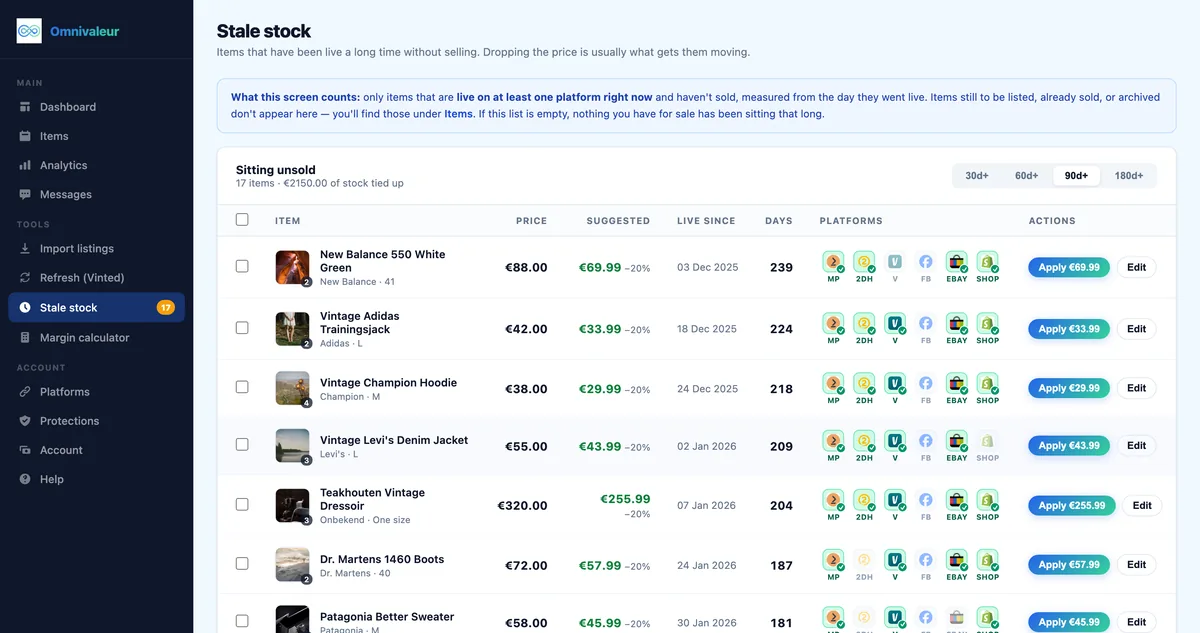
No — not natively. Unlike some platforms that offer a bulk-select checkbox in the listings dashboard, 2dehands (as of 2026) still requires you to open and delete each listing individually, whether on the app or desktop. If you're clearing out 40 items because you're closing a shop or switching platforms, that's 40 separate confirmations.
There's no workaround inside the native app, but this is a genuine gap for anyone running a real resale operation rather than clearing out a closet twice a year. If you list the same inventory across 2dehands, Marktplaats, Vinted, and eBay — which most serious resellers do — a cross-listing tool handles the sync side of this: when an item sells on one marketplace, it pulls the matching listing down everywhere else automatically instead of leaving you to hunt it down manually on four separate apps. Our comparison of Omnivaleur vs Vendoo for European resellers covers how this kind of auto-delist works across the specific platforms NL/BE sellers actually use, since most US-built tools don't support 2dehands or Marktplaats at all.
If you only sell on 2dehands and Marktplaats, you can speed up manual batches by opening listings in separate browser tabs ahead of time and working through them in sequence — it's not elegant, but it beats the single-listing loop of open, delete, back, repeat.
Does deleting listings hurt your search ranking or seller reputation on 2dehands?
Deleting a specific listing, on its own, has no measurable effect on your account-level visibility. The algorithm ranks individual ads based on freshness, keyword match, price competitiveness, and photo quality — not on how many listings you've deleted historically. So don't be afraid to clean house.
What does affect your visibility is having zero active listings for an extended stretch, or deleting and immediately re-listing the exact same item repeatedly to try to game freshness. 2dehands' bump and refresh system is designed to reward genuine relisting (a price change, new photos, a description update) and to quietly deprioritize sellers who just delete-and-repost the same unchanged ad every day to sit at the top of search. If you're trying to boost visibility the legitimate way, our guide on relisting versus bumping on second-hand marketplaces explains which action actually resets freshness versus which one just wastes a bump credit.
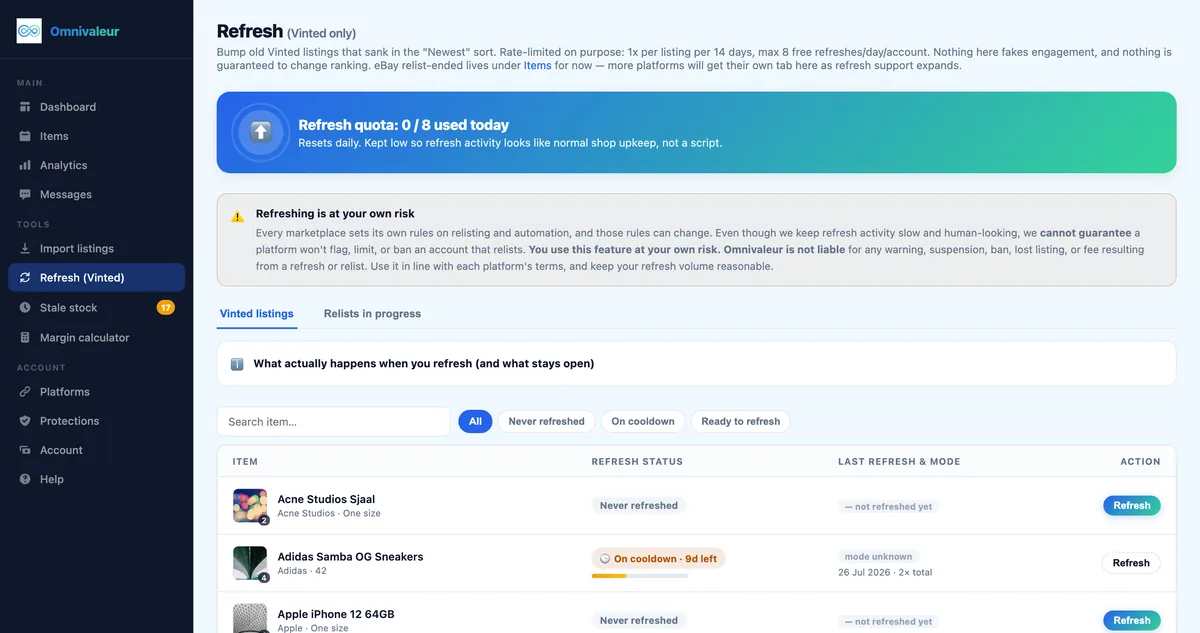
On the Vinted side specifically — since most 2dehands sellers also run a Vinted account — Omnivaleur's refresh tool deliberately caps itself at 8 free refreshes per day, and we say openly that no automation tool, ours included, can guarantee a marketplace won't flag an account for aggressive relisting patterns. That's not a limitation we hide; it's the honest ceiling of what's safe, and the same caution applies to how often you should delete and recreate the same 2dehands ad.
- ✓open the 2dehands app or website and log in to your account
- ✓tap your profile icon and go to your listings tab
- ✓select the specific listing you want to remove
- ✓choose manage this listing and tap delete
- ✓confirm your choice in the pop-up window
What happens if you delete your entire 2dehands account?
Closing your account (not just a listing) removes every active and sold listing, your message history, your favorites, and your seller rating permanently. There's no partial version of this — it's all or nothing, and 2dehands does not offer a recovery window once the account closure is confirmed. You'll find the option under Settings > Account > Close account, and it typically asks for a reason before finalizing.
Before closing an account, export anything you'll want later: screenshot your sold-item history if you're tracking it for tax records, and save buyer contact details for any pending disputes. If you're subject to DAC7 reporting thresholds, keep in mind that tax authorities receive seller data directly from the platform in many cases — closing your account doesn't erase that reporting obligation, it just removes your own copy of the history.
If your buyer protection is tied up in an open dispute, resolve it first. 2dehands' buyer protection claims process (similar in structure to Marktplaats, since both run on the same Adevinta backend) can take days to resolve, and closing your account mid-dispute complicates things significantly. Our guide on how buyer protection works on these marketplaces explains the claim window and what sellers are actually liable for.
Can you start a new 2dehands account after deleting the old one?
Yes, but with one catch: you'll need a different email address, or you'll need to wait out a short cooldown period if 2dehands' fraud detection flags the re-signup as tied to a recently closed account. 2dehands doesn't publish an exact cooldown length, but sellers report anywhere from a few hours to a couple of days before a new account on the same device fully activates. Phone number verification is required either way, and using the same number on a second account can trigger a manual review.
A fresh account means starting from zero on seller rating and transaction history, which matters if buyers on 2dehands check seller reviews before messaging — many do, especially for higher-value categories like electronics or designer items. If your old account had a strong rating, think carefully before closing it just to "reset" a bad listing or two — deleting the individual listings achieves the same cleanup without losing the trust signals you've built.
How do you avoid needing to delete listings in a panic in the first place?
Most emergency deletions happen for the same reason: an item sold on a different platform than the one the buyer is messaging you about. A buyer on Marktplaats asks "is this still available?" twenty minutes after it sold on 2dehands, and you scramble to pull the ad before someone pays for an item you no longer have.
The fix isn't willpower — it's automatic sync. When one listing's status changes, the others need to update without you touching four separate apps. This is the exact problem behind our guide on cross-listing between Marktplaats and 2dehands and our 2dehands to Vinted sync guide: both walk through setting up a workflow where a sale on one platform automatically delists (or marks sold) the matching ad everywhere else within minutes, not whenever you next open the app.
If you're brand new to cross-posting the same inventory and want to understand the fee structure before you commit time to it, our Marktplaats fees breakdown is a useful companion piece — a lot of the delete-vs-relist decisions resellers make come down to whether a bump or boost fee is worth paying again versus just letting the item sit.
And once an item does sell, don't forget the fulfillment side — if you're new to 2dehands specifically, our guide on how to ship a parcel via 2dehands covers the shipping label and drop-off process so the listing cleanup and the actual handover happen in the right order.
What should you do with chat threads before deleting a listing?
Buyers who messaged you about a listing lose access to that conversation once you delete it — the thread disappears from their side too, not just yours. If a buyer is mid-negotiation or has asked a question you haven't answered yet, send a final reply before deleting rather than leaving them wondering why the chat vanished. It's a small courtesy, but 2dehands' reporting system lets buyers flag sellers who go silent and delete, and repeated reports do eventually affect your account's trust badge even if a single deletion doesn't.
If you're deleting because the item sold elsewhere, a one-line message — "sold this on another platform, sorry!" — before you hit delete keeps your rating clean and avoids a confused follow-up message landing in your inbox after the thread's already gone.
Is it safe to delete and relist the same item repeatedly on 2dehands?
Occasionally, yes — if the item genuinely isn't selling and you want to refresh photos or price. Repeatedly, as a daily ranking hack, no. 2dehands' moderation system watches for identical-content reposting and can temporarily suppress an account's visibility if it detects a pattern of delete-and-repost with no meaningful change to the listing. The safer move, covered in more depth in our relisting vs bumping guide, is to use the built-in bump feature for visibility and reserve full delete-and-relist for when you're actually changing the price, photos, or category.
This same caution scales to every marketplace, not just 2dehands. EU consumer protection rules, outlined by the Your Europe consumer shopping guide, also expect listings to accurately reflect availability — a listing you keep deleting and reposting with stale stock information isn't just a ranking risk, it can become a genuine consumer complaint if buyers repeatedly find it unavailable.
What's the fastest workflow if you're clearing out dozens of old listings?
If you're sitting on 50+ expired or dead listings from years of casual selling, don't try to brute-force it in one sitting. Filter by "Expired" first — those are the easiest to triage since they're already invisible to buyers, so deleting them carries zero urgency. Work through "Active but stale" next (anything older than 60 days with no views in the last two weeks), and decide item by item whether it's worth a price drop and a relist, or just gone.
Resellers who manage inventory across multiple categories — vintage electronics, clothing, furniture — often find the cleanup overlaps with a broader platform decision: is it worth keeping a dead category on 2dehands at all, or moving that stock exclusively to a platform better suited to it? If you're weighing that for specific categories, our guides on vintage furniture reselling automation and vintage camera reselling automation both cover which marketplaces actually convert for those categories, so the cleanup decision and the platform decision happen together instead of twice.
For sellers running an actual multi-platform operation, the real time saved isn't in the deletion itself — it's in never having to do an emergency delete because a sale three platforms away already triggered the sync. That's the entire premise behind tools like Omnivaleur, and it's worth comparing against alternatives before you commit: our side-by-side of Omnivaleur vs Crosslist and Omnivaleur vs List Perfectly both break down how each tool handles 2dehands and Marktplaats specifically, since not every US-focused tool supports those two at all.
Last point worth stating plainly: deleting a listing is not the same as deleting your data footprint. 2dehands retains transaction records on its backend for legal and tax-reporting purposes even after you delete the listing from your own view — that's standard practice across EU marketplaces under DAC7, not something unique to 2dehands. If you ever need a copy of your own sales history for a tax filing, request it from support before you delete anything, rather than after.
Frequently asked questions
Does 2dehands charge a fee to delete or relist a listing?
Can I delete a 2dehands listing that was created through a cross-listing tool?
Is there a limit to how many listings I can have active on 2dehands at once?
Will deleting a listing refund a boost or bump fee I already paid?
Can a buyer still leave feedback after I delete the listing it was tied to?
Keep reading


Stop copying listings by hand
Omnivaleur publishes your item to every platform at once and syncs stock automatically when something sells.
Start free trial