
To cross-list from Marktplaats to Shopify, rebuild each listing's title, price, photos and condition notes as a Shopify product, since Marktplaats offers no public seller API for individual accounts. Manual copying works for a handful of items. Past that, resellers use cross-list to sync stock, pricing and photos automatically across both platforms.
Key takeaways
- Marktplaats has no public seller API, so manual cross-listing means retyping every listing by hand
- Shopify stores products permanently, unlike Marktplaats ads that expire after 60 days
- Omnivaleur keeps 3-5 active listings per item in sync and tracks each platform's status separately
- Vinted's refresh tool inside Omnivaleur caps at 8 free refreshes a day, and no tool can promise an account won't get flagged
- The VAT margin scheme changes how you price second-hand stock the moment it lands on a Shopify store
Marktplaats and Shopify solve two completely different problems. One is a classifieds board for selling stuff you own right now. The other is a permanent storefront built for repeat customers and recurring inventory. Moving listings between them isn't a copy-paste job, even though it looks like one at first glance. Here's what actually happens when you try it, and where it breaks.
What's actually different between Marktplaats and Shopify for resellers?
Marktplaats is a marketplace. Shopify is a storefront you own. That distinction changes everything about how you list.
On Marktplaats, you post an ad, a buyer messages you, you negotiate, you ship or hand it over, the ad disappears. There's no persistent "store" — just a seller profile and a feed of active ads. Shopify works the opposite way: every product lives in a catalog with its own URL, SEO metadata, variant options, and inventory count that stays until you remove it or sell out.
| Feature | Marktplaats | Shopify |
|---|---|---|
| Listing lifespan | Expires, usually 60 days | Permanent until deleted |
| Public API for sellers | None for individual accounts | Full REST/GraphQL API |
| Payment handling | Peer-to-peer, optional Marktplaats Betalen | Shopify Payments, Stripe, etc. |
| Buyer base | Local, Dutch-language | Global, your own traffic |
| Inventory model | Single item, single ad | SKU + variants + stock levels |
| Fees | Mostly free listings, category-dependent fees apply, see Marktplaats Help & Info | Monthly subscription + payment processing fees |
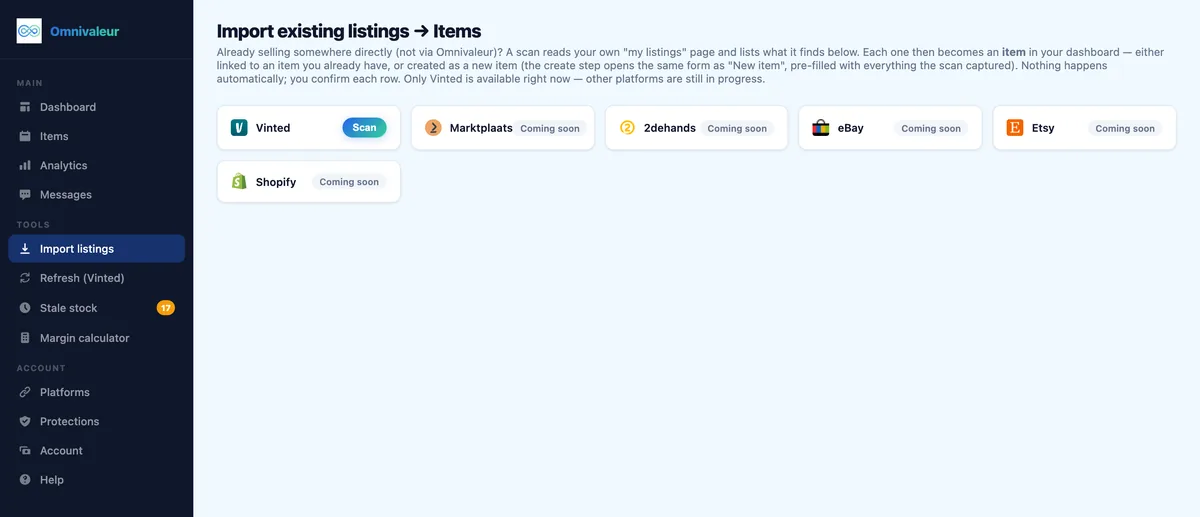
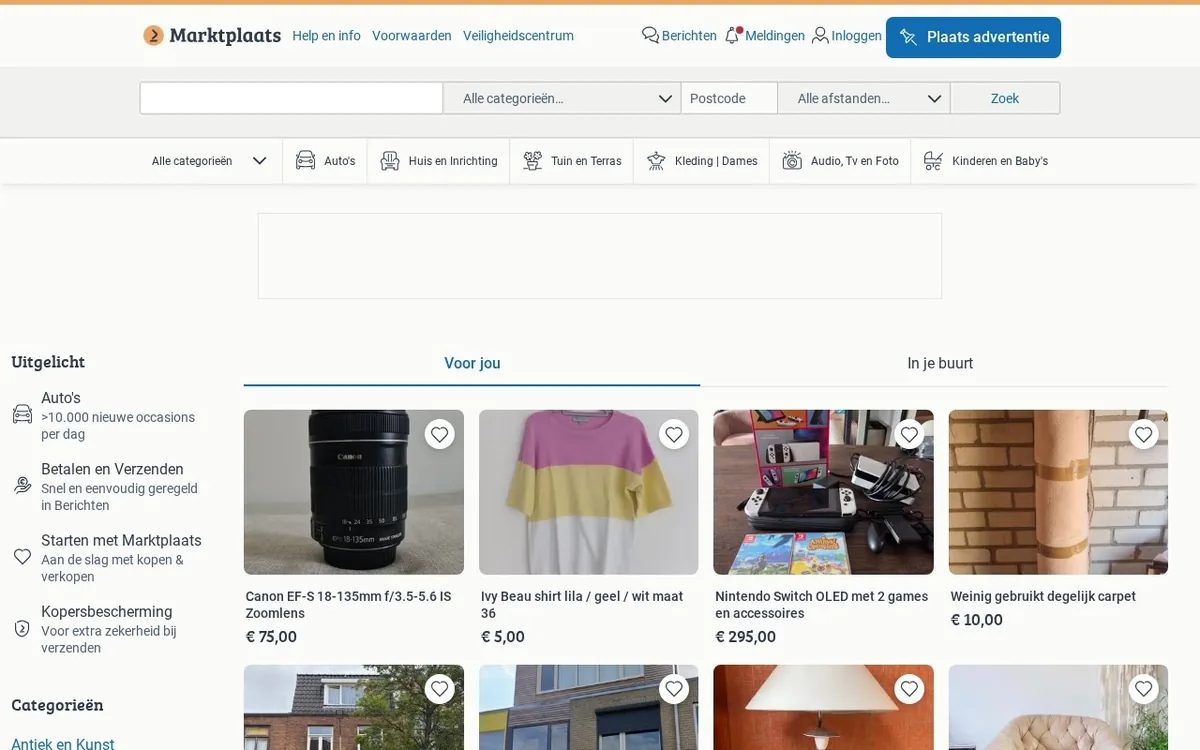
Because Marktplaats doesn't open its listing data to third-party apps the way eBay or Etsy do, you can't pull a listing straight into Shopify with one click. Every attribute — photos, title, price, condition, description — has to be rebuilt as a Shopify product, following the structure described in Shopify's own product management documentation.
How do you manually cross-list from Marktplaats to Shopify step by step?
If you're only moving a handful of items, doing it by hand is realistic. Here's the sequence that avoids the usual mistakes.
- Download your photos first. Marktplaats compresses images on upload. Keep your original source files somewhere, because Shopify product pages reward sharper, larger images for SEO.
- Create a product, not a duplicate ad. In Shopify, go to Products → Add product. Set the title to something search-friendly, not just the Marktplaats ad title (Dutch marketplace titles are often keyword-stuffed in a way that reads badly in English).
- Translate condition language carefully. "Zo goed als nieuw" needs to become a real English condition grade — "excellent, light signs of use" reads better than a literal translation and sets correct buyer expectations.
- Set inventory to 1. Second-hand items are one-offs. Forgetting this is the single most common error — sellers leave Shopify's default stock quantity untouched and accidentally sell the same item twice.
- Add weight and dimensions. Shopify needs these for shipping rate calculation; Marktplaats ads rarely include them, so you'll be measuring the item again.
- Price for the different fee structure. Shopify's payment processing typically runs 1.5-2.9% plus a fixed fee depending on your plan and region, on top of your monthly subscription — costs Marktplaats sellers rarely factor in because most private listings are free.
- Delist or edit the Marktplaats ad once it sells on Shopify. This is the step people skip, and it's the one that causes double-sold items.
For context on how item photos should be handled before they ever reach a second platform, the same lighting and angle rules used for Vinted apply almost identically to Shopify product shots — see the breakdown in how to photograph clothes for Vinted.
What Marktplaats listing limits and rules matter for this in 2026?
A few platform-specific rules trip up resellers who assume Marktplaats works like eBay.
- No bulk export tool. Marktplaats gives private sellers no CSV export of their own ads. Business sellers with a verified profile get slightly more backend access, but still no open API for third-party sync.
- Ads expire and auto-renew differently by category. Clothing and electronics categories often expire after 30-60 days; vehicles and real estate run longer. Plan your cross-listing calendar around this, or you'll find a Shopify product live weeks after the matching Marktplaats ad vanished.
- Business sellers must disclose VAT status. If you're registered as a business account on Marktplaats, your listings already carry different legal obligations than a private seller's — detailed in Marktplaats's seller policies.
- Shipping labels work differently across platforms. If you're printing Marktplaats shipping labels today, the workflow is nothing like Shopify's carrier integrations — worth reviewing the full process in printing shipping labels on Marktplaats before you commit to running both platforms in parallel.
How does inventory sync work once an item sells on either platform?
This is where manual cross-listing falls apart fast. Say you list a vintage lens on Marktplaats, Vinted, and Shopify at the same time. A buyer on Marktplaats messages you, you agree a price, you mark it sold there — but your Shopify product page still shows "in stock" because nothing links the two systems.
Now a second buyer orders it through Shopify, pays through Shopify Payments, and you have to refund them and apologize. That's not a hypothetical; it's the most common support complaint among resellers running more than two platforms by hand.
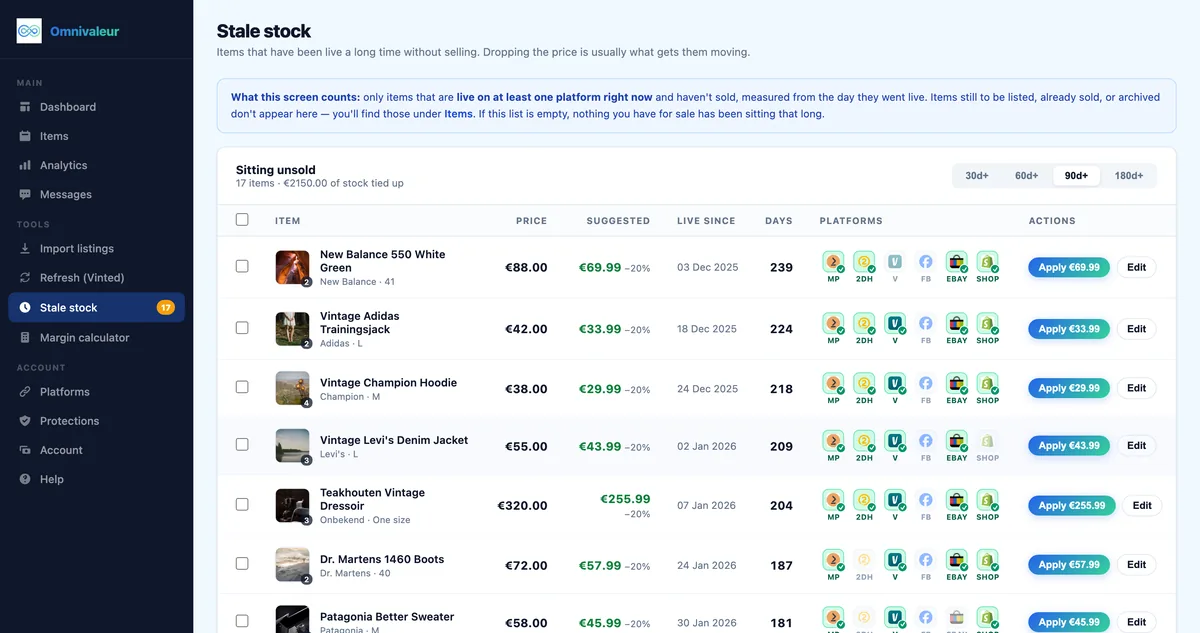
In Omnivaleur, a single item typically carries 3-5 active listings at once, and the app tracks each platform's sold/active/removed status separately, so a sale on one marketplace triggers delisting on the others within minutes instead of hours. That gap between "sold somewhere" and "removed everywhere" is exactly what causes overselling, and it's the reason most serious resellers eventually stop doing this part manually.
If you're also running Vinted alongside Marktplaats and Shopify, the same double-selling risk applies there — it's covered in detail in how to avoid selling the same item twice on Marktplaats and Vinted.
What VAT and tax rules apply when you move second-hand stock to a Shopify store?
Moving items from a casual Marktplaats sale to a proper Shopify storefront changes your tax position, not just your workflow.
If you buy second-hand goods and resell them through a Shopify store as a registered business, you likely qualify for the VAT margin scheme, where you only pay VAT on the difference between what you paid and what you sold for, rather than the full sale price. This can make a real difference on items bought cheap and flipped at a markup — a €40 item bought for €10 means VAT on a €30 margin, not €40. The mechanics are explained fully in the VAT margin scheme guide for second-hand goods.
There's also a reporting angle sellers forget: platforms report seller income under DAC7 rules once you cross certain thresholds. The official criteria sit at 30 transactions or €2,000 in a calendar year, as outlined by the Belastingdienst's DAC7 information for sellers and the European Commission's DAC7 overview. A Shopify store sits outside DAC7 reporting since it's your own site, but Marktplaats and Vinted both report seller data once thresholds are hit — see the Netherlands-specific breakdown in Vinted DAC7 reporting rules.
And if you're wondering whether private Marktplaats selling still needs formal registration before you even think about Shopify, that threshold is explained in when you need a KvK number for reselling in the Netherlands. Once goods move to a Shopify storefront with your own checkout, you're operating as a business in the eyes of Dutch tax authorities regardless of volume, so this matters more than most sellers expect.
Buyer-side rights differ too. A Marktplaats sale between private individuals carries almost none of the consumer protection obligations that apply to a Shopify store selling as a business — cooling-off periods, return rights and warranty terms covered under EU consumer shopping rights apply the moment you're a registered seller with your own checkout. If legal warranty obligations under Dutch law are new territory, legal warranty on second-hand goods in the Netherlands walks through exactly what changes once you sell as a business rather than a private individual.
- ✓Download original photo files before they get compressed on Marktplaats
- ✓Create a new Shopify product with a search-friendly title, not just copy the Marktplaats ad text
- ✓Translate condition notes into clear English grades like excellent or good with light use
- ✓Set inventory to 1 since second-hand items are one-offs
- ✓Add weight and dimensions for Shopify shipping calculations
- ✓Delist or edit the Marktplaats ad as soon as it sells on Shopify to avoid double sales
How does Omnivaleur automate Marktplaats to Shopify cross-listing?
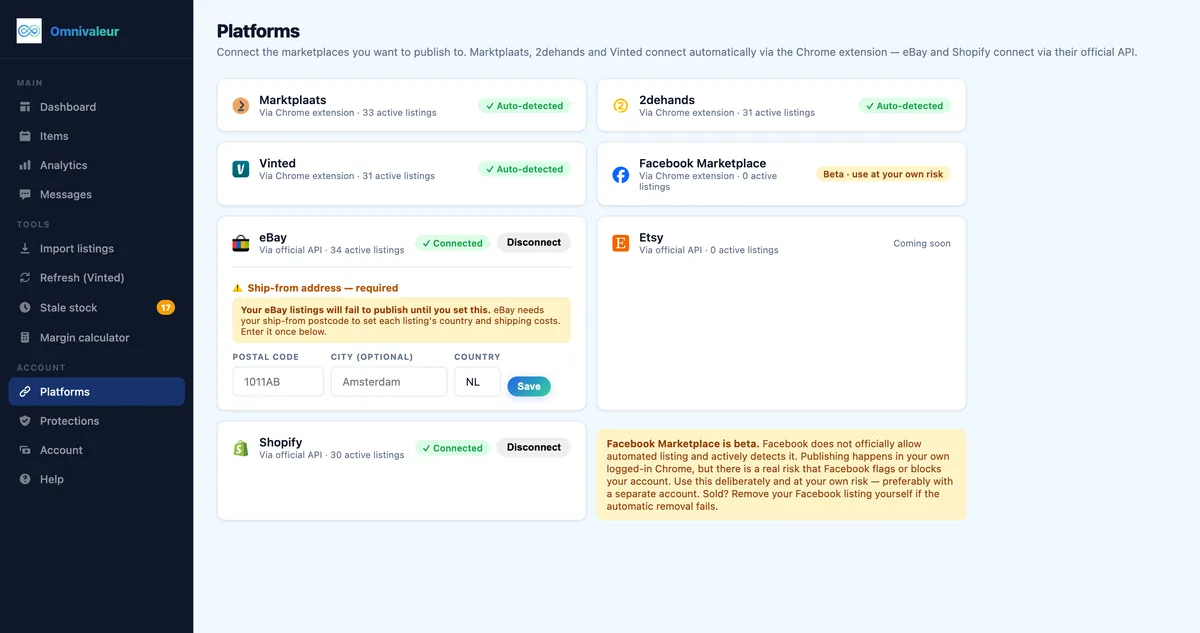
Connect both accounts, and Omnivaleur pulls your Marktplaats listing data — photos, price, title, condition notes — into a draft Shopify product automatically, translating and reformatting where needed instead of leaving you to retype everything.
From there, stock sync runs both ways within the app: sell on Marktplaats, the matching Shopify listing gets pulled or marked sold; sell on Shopify, Marktplaats comes down. Because the app tracks each marketplace's own status rather than assuming they're all identical, a listing that gets removed by Marktplaats moderation (happens more than sellers admit, usually over category mismatches) won't silently take your Shopify product down with it.
It's worth being honest about limits here, because automation tools get oversold constantly. Omnivaleur's Vinted refresh feature, for instance, deliberately caps itself at 8 free refreshes per day and states plainly that no automation tool can guarantee a platform won't flag an account for unusual activity. That same caution applies to any cross-listing workflow — automation speeds up the mechanical parts, it doesn't make platform risk disappear.
Resellers running category-specific inventory, from vintage cameras to designer clothing, tend to see the biggest time savings here simply because those categories involve detailed condition notes and multiple photo angles — exactly the fields that take longest to retype by hand on each new platform.
Marktplaats to Shopify versus other cross-listing routes — which is harder?
Marktplaats to Shopify sits on the harder end of the difficulty scale, mostly because Marktplaats offers no API and Shopify demands more structured product data than any marketplace.
| Route | Relative difficulty | Main blocker |
|---|---|---|
| Marktplaats → Shopify | High | No Marktplaats API, manual rebuild of every field |
| eBay → Shopify | Medium | eBay API exists but requires field mapping |
| Marktplaats → Etsy | High | Same API gap, plus Etsy's stricter handmade/vintage category rules |
| 2dehands → Shopify | High | Same platform family as Marktplaats, same API limitation |
If you're comparing this to a route that already has API access on both ends, eBay to Shopify crosslisting is noticeably faster to set up, since eBay exposes listing data that Marktplaats simply doesn't. Sellers running Belgian inventory through 2dehands face the identical API gap — see 2dehands to Shopify crosslisting for the Belgian-market specifics, and if Etsy is also in your mix, Marktplaats to Etsy crosslisting covers that third route in full.
Which mistakes do resellers repeat most when combining Marktplaats and Shopify?
A few patterns show up constantly in reseller forums and support tickets.
- Forgetting Marktplaats ads expire. A Shopify product stays live for months by default; its Marktplaats counterpart might vanish after 60 days, leaving one channel silently dead while you keep fulfilling orders assuming both are active.
- Pricing identically across both. Shopify's payment fees and subscription cost mean a price that's profitable on Marktplaats can be a loss-maker on Shopify once processing fees land — run the numbers with how to calculate profit margin for reselling before setting a single cross-platform price.
- Skipping Marktplaats's fee structure entirely. Certain categories (cars, some electronics) carry listing fees on Marktplaats even for private sellers; confirm current rates in Marktplaats fees explained for 2026 before assuming every ad is free.
- Not checking sell-through before building a Shopify page. Building a full Shopify product page — photos, SEO description, variants — for an item that's been sitting unsold on Marktplaats for three months wastes time; check how to calculate sell-through rate for reselling first.
- Choosing the wrong automation tool for the job. Not every cross-listing app handles the Marktplaats-to-Shopify direction well, since many were built for US marketplace pairs. Comparisons like Omnivaleur vs OneShop are worth checking before committing to a monthly subscription.
None of these mistakes are fatal on their own. Stacked together across a few dozen listings, they're what turns a profitable side hustle into a stock-tracking headache by month three.
Frequently asked questions
Can I cross-list from Marktplaats to Shopify without paying for a third-party tool?
Does Marktplaats allow business accounts to sell the same item on Shopify at the same time?
Will moving to Shopify change how buyers can return items compared to Marktplaats?
How long does it realistically take to set up Marktplaats to Shopify cross-listing for 50 items?
Does Shopify charge extra fees specifically for second-hand or used goods listings?
Keep reading



Stop copying listings by hand
Omnivaleur publishes your item to every platform at once and syncs stock automatically when something sells.
Start free trial